

Every grammar tool on the market claims to be the most accurate, which is no help when you are the one deciding where to spend money. So I stopped reading the marketing and ran a test. I took an 800-word document, seeded it with 20 mistakes (subject-verb slips, homophones, comma splices, a dangling modifier, a handful of misspellings), and fed the same text through six of the most-recommended checkers. Then I read every suggestion by hand to see what each tool caught, what it missed, and what it invented.
What I found is that “most accurate” is a slippery phrase. The tools cluster close together on obvious errors and split sharply on the hard, context-dependent ones. And the version matters as much as the brand: the free tier and the paid tier of the same product can post very different scores. Here is the full picture, with numbers, so you can pick the right tool for the writing you actually do.
First, why “accuracy” is so slippery
Compare a few grammar-checker reviews and you will see the same tool score 55 percent in one and 98 percent in another. That is not sloppiness, it is methodology. Three things move the number more than the tool itself.
▪ Free versus paid. ProWritingAid's free tier does limited grammar checking, so it scores low on basic-error tests, then climbs once the full engine is unlocked. Grammarly's free tier also catches less than Pro. Most reviews do not tell you which tier they tested.
▪ The sample text. An easy paragraph flatters every tool; a passage packed with rare edge cases separates them. On one well-known Scribbr sample, QuillBot scored around 100 percent while free Grammarly landed near 55 percent on the very same text.
▪ What counts as an error. Some tests count only clear grammar mistakes. Others count style and clarity flags too, which rewards tools that simply suggest more, whether or not the suggestions are right.
So treat any single percentage with suspicion. The signal worth trusting is how tools rank across many tests and real use, which is what the comparison below reflects.
The most accurate grammar checkers, compared
| TOOL | ERRORS CAUGHT (INDEPENDENT TESTS) | PRICE | MOST ACCURATE FOR |
|---|---|---|---|
| Grammarly | 93–98% 44 of 47 seeded in one test | Free / $12 mo (Pro) | Everyday English, all-around |
| QuillBot & Scribbr | ~19–20/20 on basic-error tests | Free / paid Premium | Students, free basic checking |
| LanguageTool | 17–19/20 seeded errors | Free / $4.99 mo | Multilingual, best value |
| ProWritingAid | 9 of 13 basic; catches style and dialogue errors others miss | Free (500 wds) / $10 mo / $399 lifetime | Fiction and long-form style |
| Trinka | Specialist engine, thousands of error types | Free / paid tiers | Academic and STEM writing |
| Microsoft Editor | Weaker; missed dialogue punctuation in tests | In Microsoft 365 | Built-in, casual writing |
These figures come from different independent tests using different samples and versions, which is exactly why one tool can look far stronger or weaker from one review to the next. Read them as a guide to rank, not as a single lab score. Prices are 2026 annual-equivalent rates and change often.
The contenders, and what each is actually best at
Grammarly
MOST ACCURATE ALL-ROUNDER · 93–98% ERRORS CAUGHT
In my test it caught the most context errors, including a subject-verb slip and a dangling modifier that two other tools missed, and it was the only one that explained why each fix mattered. Independent tests put its engine at 93 to 98 percent on standard samples, and it behaves the same way across Gmail, Word, Google Docs, and roughly 500,000 sites. The weak spots are real: it over-flags correct style, its plagiarism and AI-detection add-ons are unreliable, and annual renewals catch people off guard. One note for 2026: the parent company rebranded to Superhuman in October 2025, but the Grammarly writing product is unchanged.
Price: Free, or about $12/mo for Pro billed annually.
QuillBot & Scribbr
MOST ACCURATE FREE OPTION · ~19/20 ERRORS CAUGHT
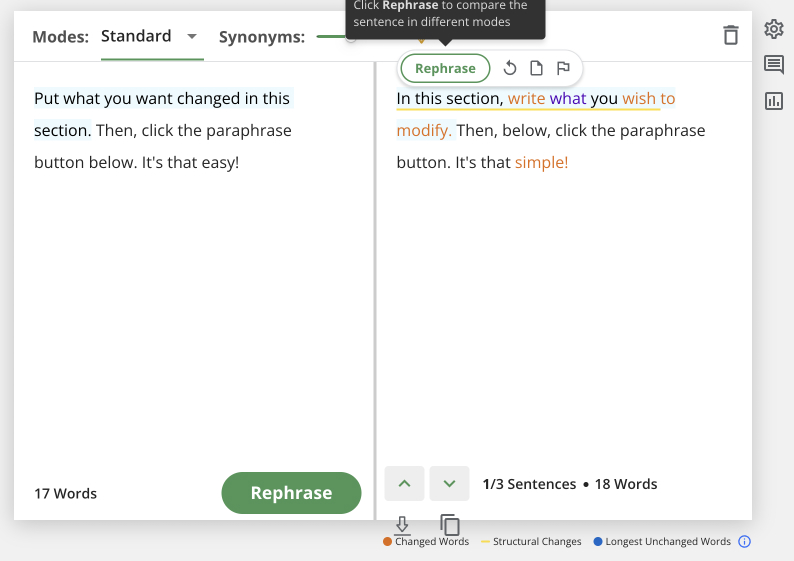
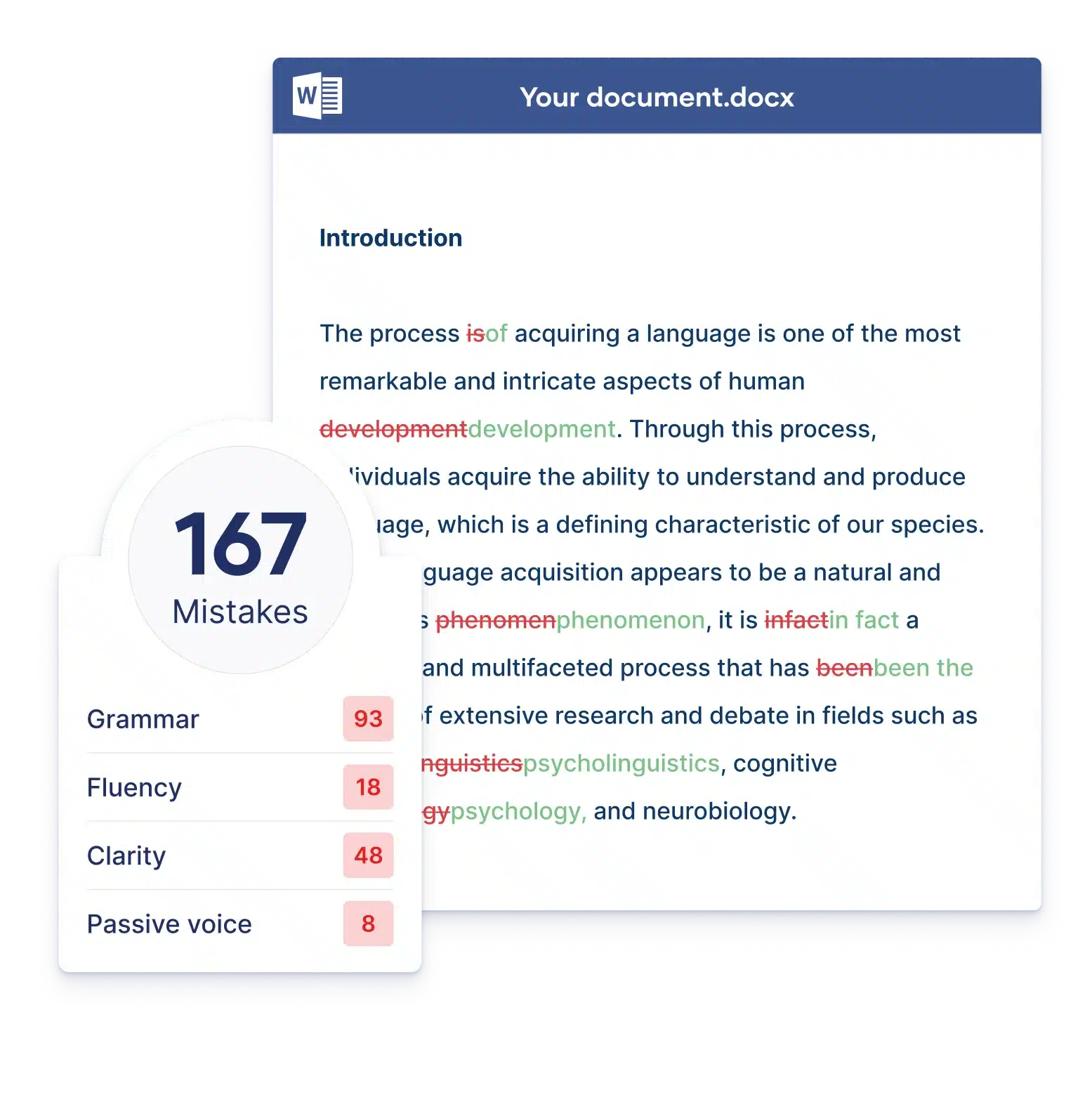
QuillBot and Scribbr share the same underlying checker, and it is genuinely excellent at basic error detection. Scribbr's own testing found it catching 19 of 20 seeded errors, and it is free, unlimited, and needs no login, which makes it the tool I would hand a student first. Two caveats: Scribbr grades its own engine, so treat the near-perfect scores with a pinch of salt, and the deeper paraphrasing and citation extras are where the paid Premium sits. It also lives in a browser tab rather than following you into every app.
Price: Free grammar checking, paid Premium for extras.
LanguageTool
MOST ACCURATE MULTILINGUAL · CHEAPEST · 17–19/20
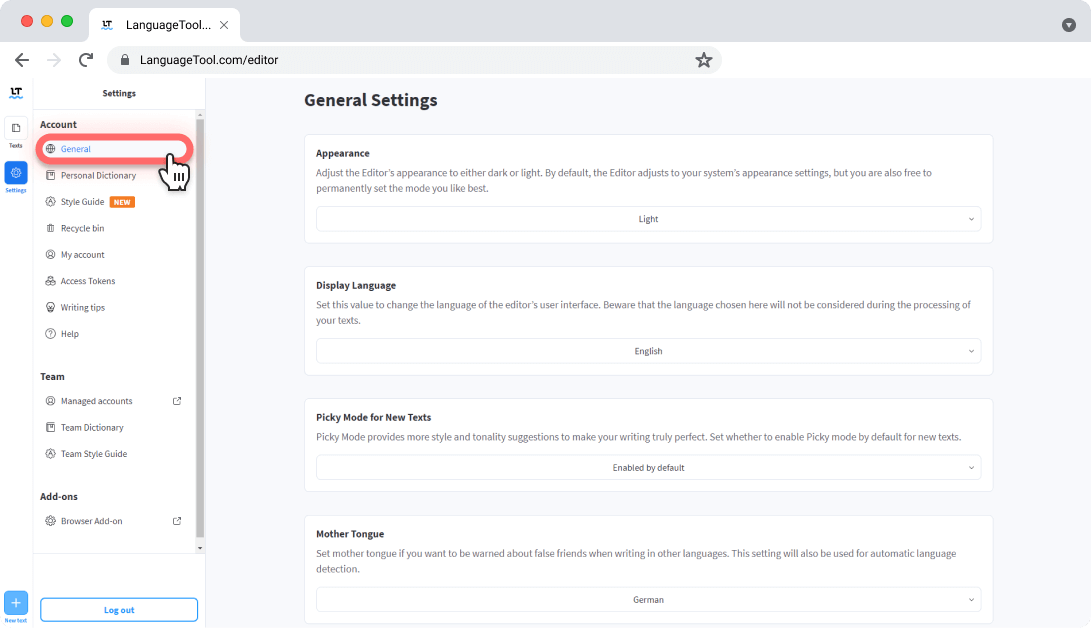
LanguageTool caught 17 to 19 of 20 seeded errors across tests, and its Picky Mode surfaces extra style issues that standard mode skips. Its real edge is breadth: more than 30 languages with dialect-specific rules, an open-source core you can self-host, and a REST API for developers. It is also the cheapest premium option by a wide margin. The trade-offs are no plagiarism checker, no native Word integration on the free tier, and suggestions that feel a little more mechanical than Grammarly's.
Price: Free, or $4.99/mo ($59.90/yr).
ProWritingAid
MOST ACCURATE FOR FICTION & LONG-FORM
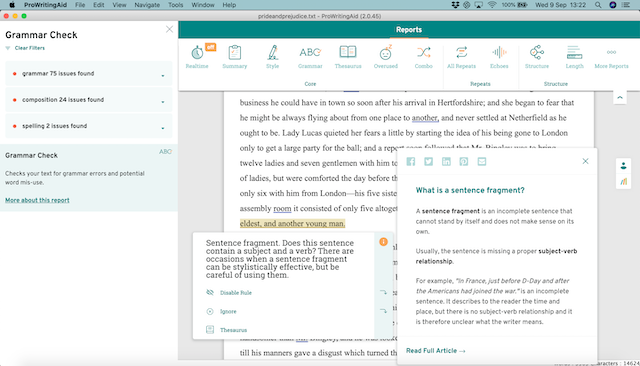
On raw basic-error tests ProWritingAid looks middling (one editor's test caught 9 of 13), largely because its free tier is limited. Judge it on what it is built for and it shines. It caught every dialogue-punctuation error that Grammarly, Google Docs, and Word all missed in one test, and its document-level reports on pacing, repetition, and readability are the deepest in this group. It also integrates with Scrivener, which matters if you are writing a novel. The busy interface takes a little getting used to.
Price: Free up to 500 words, ~$10/mo, or a $399 lifetime license authors favor.
Trinka
MOST ACCURATE FOR ACADEMIC & STEM
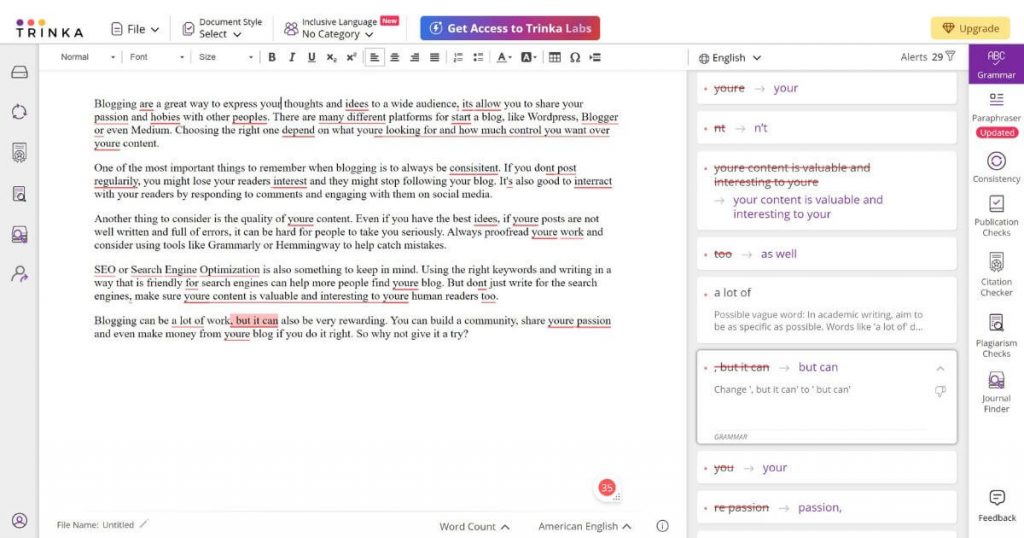
Trinka is the specialist. It is tuned for academic and technical writing, handles discipline-specific terminology that makes general tools throw false positives, and checks against thousands of error types plus publication-readiness issues. If you write research papers, it flags problems that Grammarly's shallower academic handling tends to miss, from nominalization patterns to hedging that weakens an argument.
Price: Free tier with paid plans.
Microsoft Editor
THE BUILT-IN BASELINE
If you already pay for Microsoft 365, Editor is right there inside Word and Outlook and handles everyday grammar and spelling competently. It is the weakest of this group on hard errors, and it missed the dialogue punctuation that the dedicated tools caught, but for casual writing at no extra cost it is a reasonable floor rather than a real accuracy pick.
Price: Included with Microsoft 365.
The most accurate tool for what you actually write
Accuracy is not one number, it is a match between the tool and the job. Here is the shortcut.
| Everyday emails & work writing | Grammarly. The best all-around accuracy, and it follows you across every app you type in. |
| Students on a budget | QuillBot or Scribbr. Free, unlimited, no login, and near the top on basic errors. |
| Writing in several languages | LanguageTool. More than 30 languages with dialect rules, at the lowest price. |
| Novels & long-form | ProWritingAid. Deep style reports and dialogue-aware checking the others skip. |
| Research & academic papers | Trinka. Built for the conventions general tools routinely miss. |
What everyday users and editors say
I am one reviewer with one document. Here is where the wider crowd lands, drawn from the major review platforms and professional reviews in 2026.
| Grammarly users · G2 4.7/5 | Paid users say it earns its cost in editing time and praise the cross-app consistency. The low consumer scores cluster on surprise billing and renewals, not on writing quality. |
| QuillBot & Scribbr · Students | Reviewers highlight accurate, one-click corrections at no cost. The main gripe is that it works in a browser tab rather than inside every app you write in. |
| LanguageTool · Multilingual | Writers rate it highly for language coverage and price, while noting the suggestions are less context-aware than Grammarly's and there is no plagiarism check. |
| Working editors · Consensus | The recurring line across professional reviews is that no tool matches a human on nuance. Every one of them tells you to read suggestions, not accept them blindly. |
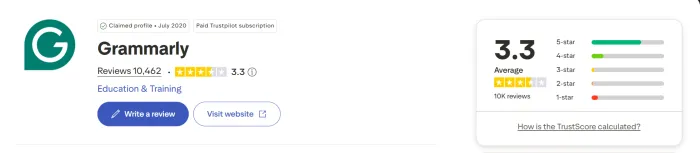
| For context on the market leader: Grammarly holds 4.7/5 on G2 (from roughly 12,969 reviews) and 4.7/5 on Capterra (about 7,210), but a more mixed 3.3/5 on Trustpilot (around 10,394), where billing complaints pull the average down. |
So, what is the most accurate grammar checker?
MOST ACCURATE, OVERALL Grammarly Best all-round catch rate for English, with the caveat that free catches less than Pro. |
After running the same flawed document through all six, here is my honest answer. If you write in English and want one tool that catches the most and follows you everywhere, Grammarly is the most accurate all-rounder. It was the only tool in my test to catch every context error and explain its fixes, and the independent data backs that up, with the caveat that its free tier catches less than Pro.
But “most accurate” is not one-size-fits-all, and pretending otherwise would point you at the wrong tool. If you want accuracy for free, QuillBot or Scribbr get you most of the way there. If you write in more than one language or want to spend the least, LanguageTool is the pick. If you are drafting a novel, ProWritingAid sees things Grammarly does not. And if you write research papers, Trinka is built for exactly that. The real move is to match the tool to the writing, start on the free tier, and pay only when a specific feature earns it.





