

I've been dropping files into ChatGPT since the feature lived inside the old Code Interpreter beta, and it still catches me out. Last month I was three invoices into a batch of twenty when the attach button greyed out and a small message told me to try again later. No count, no timer, and no hint about which of the several caps I'd tripped. So I finally did what I should have done years ago: I sat down with OpenAI's help pages, my own account settings, and a folder of test files of different sizes and types, and mapped out exactly where the walls are.
This is that write-up. Every figure below comes from OpenAI's own documentation as it stood in the last week of August 2026, and where OpenAI's pages disagree with each other, I say so rather than pick the number that sounds tidiest.
512 MB Hard cap per file, on every plan | 2M tokens Per text document; spreadsheets are exempt | 80 / 3 hrs Paid upload rate; Free gets 3 a day | 500 MB to 100 GB Library storage, set by plan |
Every ChatGPT upload limit in one table
There isn't one limit. There are at least ten, and they stack: a file can pass the size check, fail the token check, then get you rate limited when you re-upload a trimmed version.
| Limit | Value | Where it applies |
|---|---|---|
| Per-file size | 512 MB | Any file in a chat, a project, or a custom GPT |
| Text and document tokens | 2 million per file | PDFs, Word files, slides, plain text. Not spreadsheets |
| Spreadsheets and CSV | About 50 MB | Excel, CSV and similar; the exact ceiling depends on row size |
| Images | 20 MB each | Photos, screenshots, diagrams |
| Upload rate, paid plans | 80 per 3 hours | Rolling window. OpenAI says it may lower this at peak times |
| Upload rate, Free | 3 per day | Free accounts only |
| Files in one go | 10 at a time | Chat composer and project uploads |
| Library storage | 500 MB to 100 GB | Free 500 MB, Go 4 GB, Plus and Business 20 GB, Pro 100 GB |
| Organisation storage | 100 GB | Business, Enterprise and Edu workspaces |
| Custom GPT knowledge | 10 files | For the lifetime of that GPT |
| Files per project | 5, 25 or 40 | Depends on plan; see the next table |
| The storage cap and the upload rate are separate counters. You can have plenty of Library space and still be blocked by the 3 hour rate, and you can be well inside the rate and still get a storage error because a forgotten custom GPT is holding a few gigabytes of PDFs. |
Limits by plan, as of September 2026
File size limits don't change when you pay. What changes is how often you can upload, how much Library storage you get, how many files a project will hold, and whether ChatGPT can see the pictures in your PDFs.
| Plan | Price | Upload rate | Library storage | Project files | Worth knowing |
|---|---|---|---|---|---|
| Free | $0 | 3 per day | 500 MB | 5 | Same per-file caps as paid plans. Shows ads in the US and much of Europe |
| Go | $8 a month | Higher than Free; no published figure | 4 GB | 25 | Ad supported. Cheapest way off the 3 a day cap |
| Plus | $20 a month | 80 per 3 hours | 20 GB | 25 | OpenAI's upload FAQ still lists 20 per project; the Projects page says 25 |
| Pro | From $100 a month | 80 per 3 hours | 100 GB | 40 | Some sites call Pro uploads unlimited. OpenAI's documentation doesn't |
| Business, Enterprise, Edu | From $20 a seat; Enterprise is priced on request | 80 per 3 hours | 20 GB per user on Business; 100 GB pooled | 40 | Enterprise adds visual retrieval for PDFs |
| Where OpenAI's own pages disagree. The File Uploads FAQ lists 20 project files for Plus and a flat 25 GB storage cap per user. The Projects article says 25 files, and the newer File storage and Library article gives the per-plan storage figures above. All three were updated in August 2026. I've gone with the Projects and Library pages because they're written specifically about those features and were revised most recently. |
Which limit did you actually hit?
ChatGPT's error messages are short and don't name the cap. Match what you're seeing to the blocks below.
The upload button is blocked “You've reached your file upload limit. Try again later.” Cause: the rolling rate counter. That's 80 files in 3 hours on paid plans, or 3 in a day on Free. • Failed upload attempts can count toward the cap, so retrying a broken file five times burns five slots. • There's no meter for this anywhere in the app. You'll have to guess when the window clears. • If you've uploaded almost nothing, check status.openai.com before assuming it's you. |
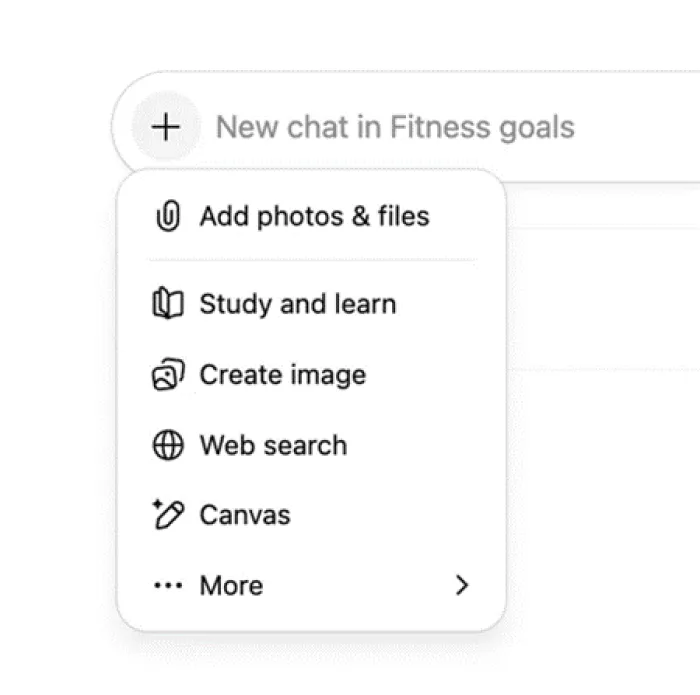
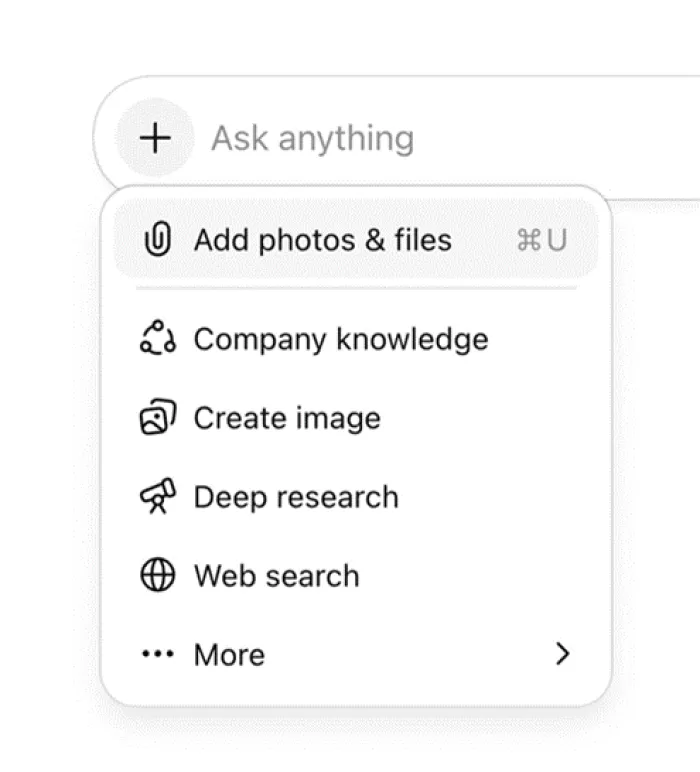
The file never finishes uploading The upload stalls, errors out, or the file simply disappears from the composer. Cause: a per-file cap. 512 MB for most files, roughly 50 MB for spreadsheets, 20 MB for images. • Spreadsheets fail long before 512 MB because ChatGPT loads them into a code sandbox, which is where the 50 MB figure comes from. |
The file uploads, but answers only cover the start Summaries feel thin, and questions about chapter 30 come back vague. Cause: the 2 million token ceiling, or retrieval pulling the wrong slice. Nothing warns you when a document is only partly read. • This is the same on every plan. Paying more doesn't move the line. • Ask about a specific page range, or split the document and upload the parts in order. |
A storage error, even on a small file An error tells you the account or organisation cap has been reached. Cause: your plan's Library storage cap (500 MB on Free, 4 GB on Go, 20 GB on Plus and Business, 100 GB on Pro), shared across chats, Projects and custom GPTs. • Open Library and use the Storage button, or go to Settings and then Storage, to see what's taking the space. • Deleting a chat does not delete files that were saved to your Library. You clear those from the Library itself. |
Your project refuses another file The add button does nothing once you reach 5, 25 or 40 sources. Cause: the per-project cap for your plan. • OpenAI's own advice is to remove old uploads, combine files, or split the work across projects. • You can create unlimited projects, so a second one costs nothing. |
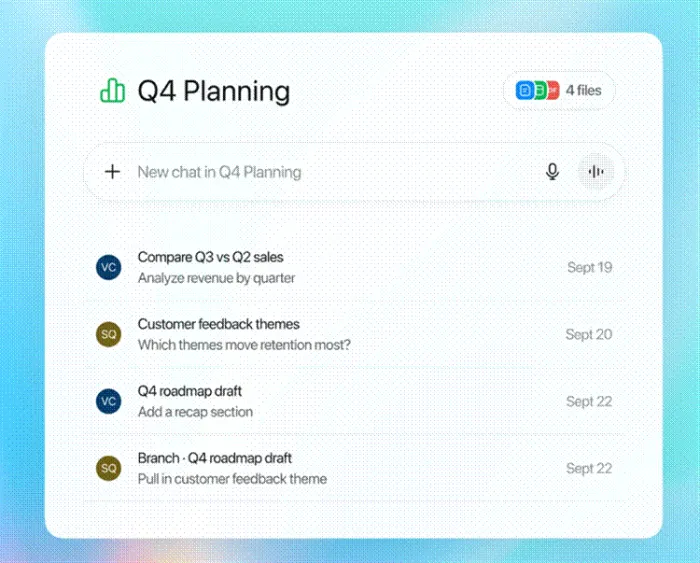
The file pill in a project stops at 5, 25 or 40 depending on plan. Source: OpenAI Help Center, Projects in ChatGPT.
A scanned PDF comes back empty ChatGPT says the document has no readable text, or invents a summary from the file name. Cause: text-only extraction. Every plan except Enterprise throws away the images in a document and reads only the digital text. • Run the scan through OCR first so the PDF carries a text layer. • For a page or two, upload them as images instead; the vision model reads those directly. |
Why megabytes are the wrong thing to watch
The 512 MB headline number is almost never what stops a document. Text files are also measured in tokens, and tokens track words, not bytes. OpenAI's own rule of thumb is that 1,000 tokens works out to about 750 English words, so the 2 million token cap lands somewhere around 1.5 million words per file.
A long novel is 100,000 to 150,000 words, so the cap tends to bite on legal discovery bundles, code dumps and exported chat logs, not on ordinary reports.
What makes this confusing is that file size and token count barely correlate. A 4 MB PDF exported from Word can carry more tokens than a 300 MB PDF of scanned pages, because the scanned one has almost no extractable text. The big file uploads happily and tells you nothing; the small one is the one at risk of truncation.
Spreadsheets sit in a different lane entirely. They're exempt from the token cap and instead go through code execution, where memory is the constraint. In practice that means: keep tabular files under about 50 MB, prefer CSV to XLSX for the same data, and drop columns you don't need before uploading.
How to check and free up your storage
This is the one limit ChatGPT will actually show you.
1. Open Library from the sidebar and click Storage. It shows total usage, what's left, and whether you're over the line. The same figure sits under Settings and then Storage. It's the only usage number OpenAI exposes for uploads.
2. Delete what you no longer need from Library. Files from ordinary chats are saved here and stay until you remove them, whether or not the original chat still exists. If your Library has a Recently deleted section, files sit there until you empty it or they're purged.
3. Check custom GPTs you've built. Knowledge files attached to a GPT count against the same cap and are easy to forget about.
4. Prune project sources. Open the project's source list to preview, download or delete individual files. In a shared project, deleting removes the file for everyone.
5. Accept what you can't see. There is no counter for the 80 per 3 hours rate. If storage looks fine and uploads are still blocked, the rate is the culprit.

Workarounds I actually use
None of these are clever. They work because they respect how the limits are counted.
Merge small files into one Ten one-page PDFs cost ten upload slots. The same text in a single file costs one. Pasted text doesn't count as an upload at all, so for short documents I paste rather than attach. | Split the monster instead of trimming it If a document risks the token cap, cut it at chapter boundaries and upload the parts in order, asking for a summary of each before moving on. |
Zip a folder ChatGPT won't accept a folder dragged into the composer. Compress it to a single zip and ask for the contents to be extracted; it can unpack the archive when it runs code. | OCR anything scanned A scanned PDF without a text layer is invisible to every plan except Enterprise. Ten seconds in an OCR tool turns a blank upload into a readable one. |
Slim the spreadsheet Filter to the rows you need, delete unused columns, remove formatting and export to CSV. That routinely turns a 120 MB workbook into something under 20 MB. | Keep standing material in a Project Files you use every week belong in a project, not re-attached to each chat. Private projects can also take Google Drive files or Slack channels as live sources instead of copies. |
Reuse from Library instead of re-uploading Anything you've already uploaded is in Library. Attach it again with Add from library in the composer; that's not a fresh upload, so it doesn't touch the rate counter. | Retry once, then stop Failed uploads can count toward the rate. If a file fails twice, the file is the problem. Fix it before trying again. |
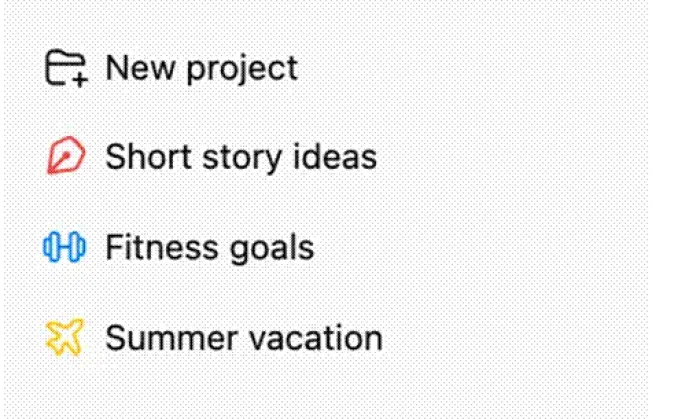
There's no cap on how many projects you create, only on files inside each. Source: OpenAI Help Center.
How long uploaded files stick around
Where a file lands decides how long OpenAI keeps it, which matters for both your storage cap and anything sensitive.
| Where you uploaded it | How long it stays | What removes it |
|---|---|---|
| An ordinary chat | Saved to your Library and kept until you delete it | Deleting from the Library. Deleting the chat alone won't do it |
| A Project or a custom GPT | Kept as long as the project or GPT exists | Deleting the project or GPT; the file is purged within 30 days |
| A deleted chat | Gone from your account at once | Purged from OpenAI's systems within 30 days, barring legal or security holds |
| A Temporary Chat | Not saved to Library at all | The chat itself is deleted automatically within 30 days |
| Enterprise files not saved to Library | 48 hours by default | Expire on their own unless the workspace sets a different retention period |
On training: uploads on Free, Go, Plus and Pro can be used to improve OpenAI's models unless you turn off “Improve the model for everyone” under Settings and then Data Controls. Business, Enterprise and Edu data isn't used that way by default.
Does upgrading fix it?
Sometimes. It depends on which wall you keep hitting.
Upgrading helps when • You're on Free and the 3 uploads a day cap is the thing stopping you. Go or Plus removes it properly. • Your Library keeps filling up. Free's 500 MB goes quickly; Go gives 4 GB, Plus 20 GB, Pro 100 GB. • You need more than 5 files in a project. Go and Plus give 25, Pro and business plans 40. • You need ChatGPT to read charts, tables and photos inside PDFs. Only Enterprise does this. | Upgrading changes nothing when • One file is over 512 MB. The cap is identical on Pro. • A spreadsheet is over about 50 MB. Same sandbox, same ceiling. • A long document is being truncated at 2 million tokens. • A scanned PDF reads as blank on Plus. It reads as blank on Pro too. • You want to attach more than 10 files to one message. |
Final verdictAfter a couple of weeks of deliberately walking into every one of these walls, here's where I've landed. The 512 MB figure that gets quoted everywhere is almost never the limit that stops you. What stops you is the rate counter on a busy afternoon, the token ceiling on a document that's larger than you realised, a Library that quietly filled up with last month's uploads, or a scanned PDF that ChatGPT treats as blank. Plus is worth the money if you're on Free and upload more than three things a day, because that cap is real and it bites by lunchtime, and 20 GB of Library space instead of 500 MB means you stop clearing files every week. Go is the cheaper escape if the daily cap is your only complaint. Neither is worth it if your problem is one enormous file, because that file hits the same ceilings on every plan, and the only fix is to make it smaller or split it. My own routine is now boring on purpose. I merge small files before attaching them, I OCR anything that came off a scanner, I keep weekly reference material in a Project rather than re-uploading it, I re-attach from Library instead of uploading twice, and I never retry a failed upload more than once. Since I started doing that I haven't seen the “try again later” message in weeks. The limits didn't change. I just stopped fighting them. |





