The honest state of AI in studying right now
Walk into any university library on a Tuesday afternoon and the laptop screens tell the same story. Lecture transcripts on one tab, a chatbot drafting an essay outline on another, flashcards generating themselves in the background. The HEPI Student Generative AI Survey 2025 put a number on this: 92% of UK students now use AI in some form, up from 66% a year earlier.
The question stopped being whether to use AI for studying. It became which tools actually earn their place in a study routine. Plenty of roundups read like sponsored content. The selection below takes a stricter approach: each tool has been used heavily for academic work, has verified user reviews on G2, Capterra, or Google Play, and gets honest treatment on what falls short.
Tools are listed alphabetically, not ranked, because the right tool depends on the work being done. A medical student transcribing pathology lectures has different needs from a literature major writing a thesis.
Quick comparison: all eight tools at a glance
| Tool | Best for | Standout feature | Free tier | Paid plan starts at |
|---|---|---|---|---|
| ChatGPT | General study help | Broad capability, large user base | Yes | USD 20 / month (Plus) |
| Claude | Long-form writing, analysis | Strong handling of long documents | Yes | USD 20 / month (Pro) |
| Grammarly | Writing polish | In-line grammar and clarity edits | Yes | USD 12 / month (Premium) |
| NotebookLM | Source-grounded study | Answers cite the uploaded sources | Yes (full) | Free for now (Plus around USD 20) |
| Notion AI | Notes plus workspace | AI inside an existing study notebook | Yes (limited AI) | USD 10 / member per month |
| Otter.ai | Lecture transcription | Real-time transcripts with speakers | Yes (300 min / month) | USD 16.99 / month (Pro) |
| Perplexity | Cited web research | Sourced answers with clickable links | Yes | USD 20 / month (Pro) |
| Quizlet | Active recall practice | AI flashcards and study sets | Yes (limited) | USD 35.99 / year (Plus) |
Pricing reflects published rates as of mid-2026 and is subject to change.
AI Tools That Are Reshaping How Students Study
ChatGPT: the default that earns its place
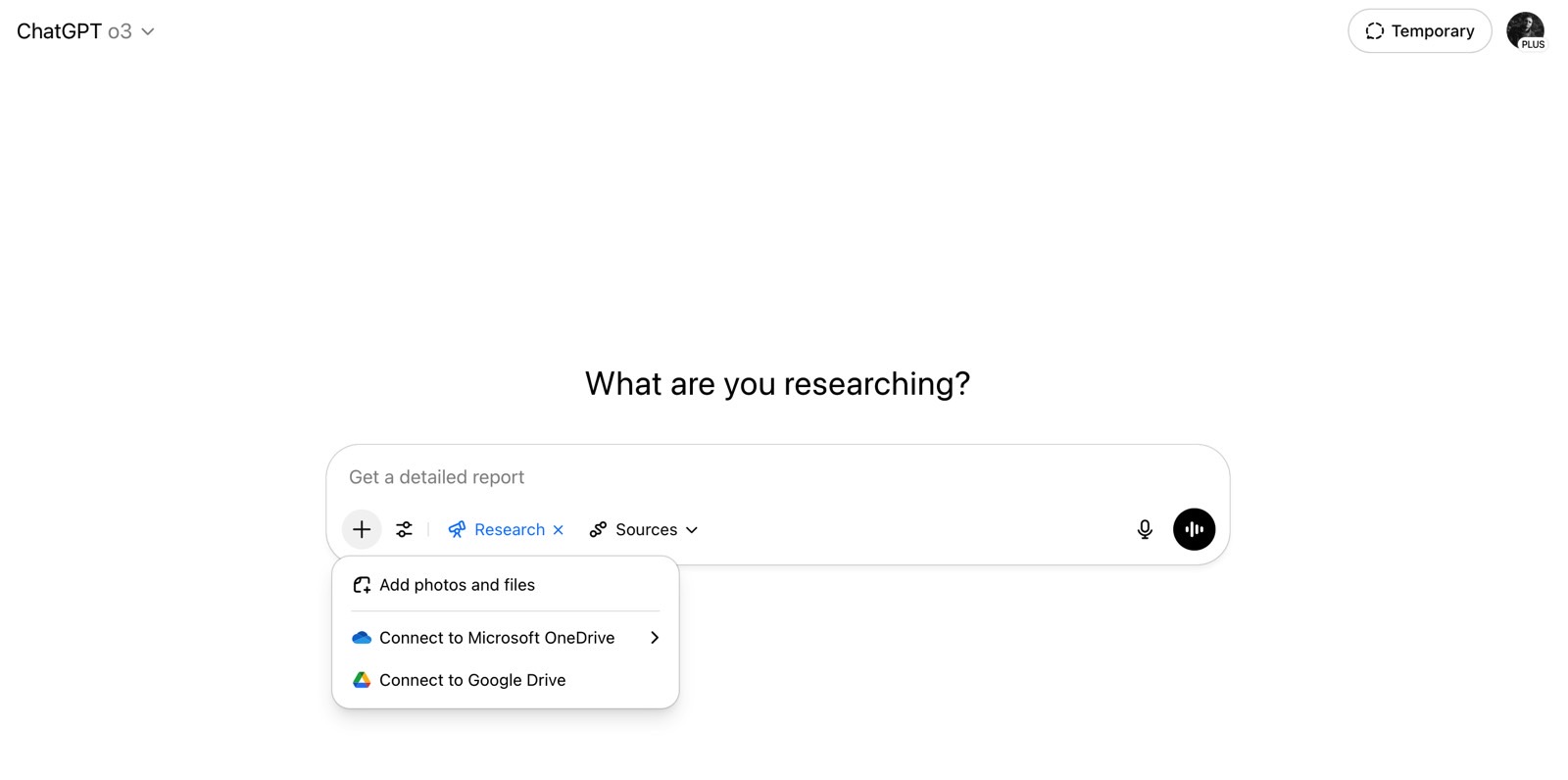
OpenAI's ChatGPT is the tool most students try first. It handles a wider range of study tasks than almost anything else in this list: drafting essay outlines, explaining physics concepts, debugging Python code, generating practice questions. The interface stays out of the way, which matters under deadline pressure.
College Board research from late 2025 found that 69% of high school students used ChatGPT for school assignments, the highest of any single tool surveyed. That dominance shapes the experience: huge community of prompt tricks, plenty of tutorials, and a free tier that handles most casual study needs.
What it actually does well
•Explains concepts at the depth requested, from ELI5 to graduate-level depth, switching mid-conversation if needed
•Handles code, math, and natural language in the same thread without losing context
•Voice mode and image input make it usable for reading handwritten notes or diagrams
ChatGPT details at a glance
| Free plan | Access to GPT-5 with daily message limits, web search, basic file uploads |
| Plus plan | USD 20 per month, higher limits, priority access, advanced voice, deep research mode |
| Best subject fit | STEM problem-solving, coding assignments, essay drafting, language learning |
| Mobile apps | iOS, Android, desktop apps for Mac and Windows |
Where it falls short
•Confidently wrong on factual queries, especially niche academic topics outside its training data
•Tends toward generic structure and predictable phrasing in long essays, which is easy for graders to spot
•Free-tier message limits hit fast on heavy study days, particularly during exam season
Claude: the writing partner that reads long PDFs without flinching
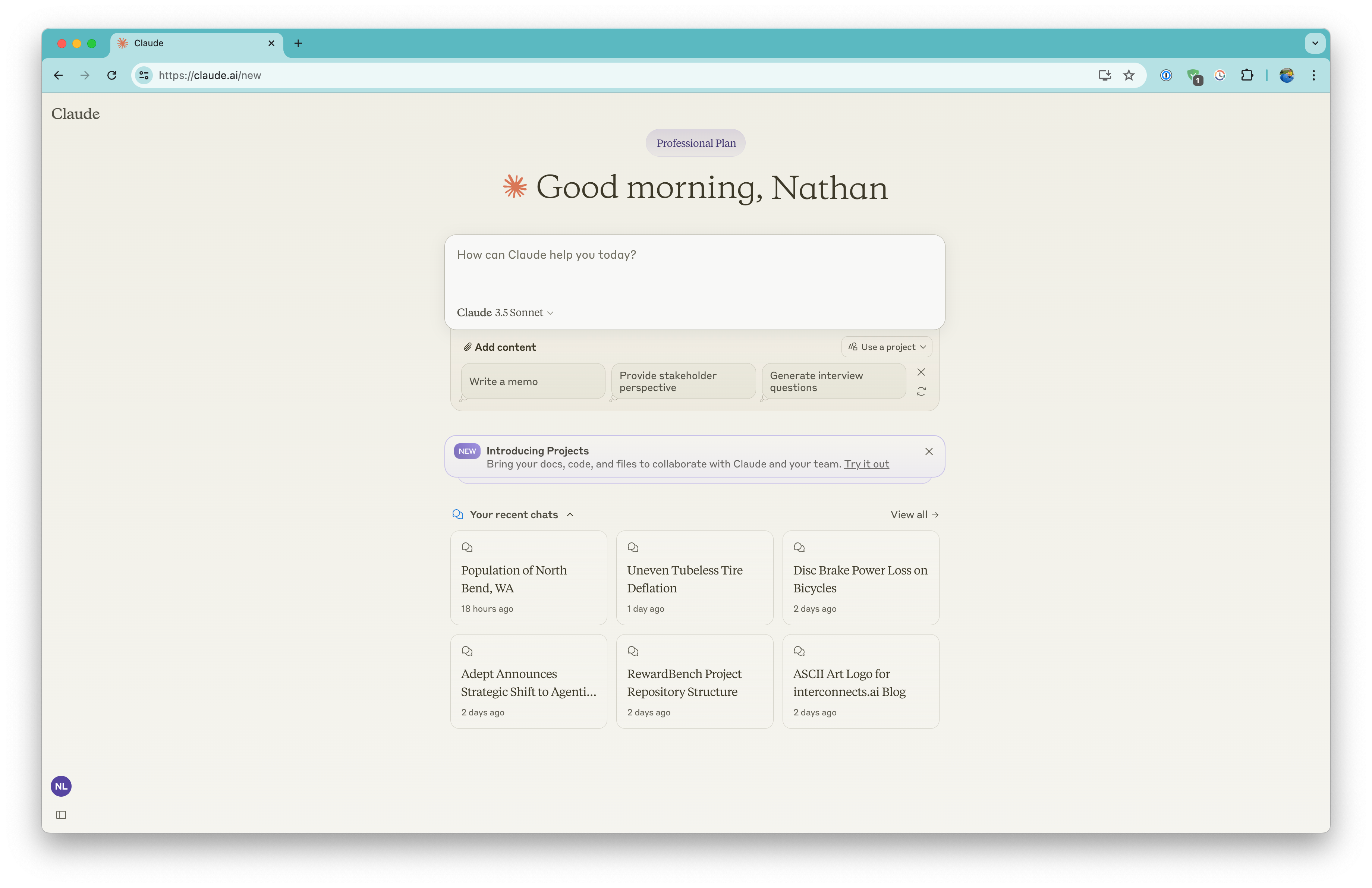
Anthropic's Claude has built a reputation among students writing long-form papers, theses, and literature reviews. The model handles very long inputs cleanly, which matters when uploading a 60-page reading or three chapters of a textbook. G2 reviewers repeatedly describe Claude's output as more natural and less templated than other chatbots.
Coursera's AI in Higher Education Report from February 2026 noted that four in five students using AI for academic work reported it had improved their performance, with writing assistance ranking among the top three uses.
Tasks where Claude tends to outperform
•Reading and summarizing long academic PDFs without truncating or hallucinating sections
•Editing essays without flattening the author's voice into chatbot prose
•Working through layered analytical questions, such as comparing two theoretical frameworks
Claude details at a glance
| Free plan | Limited daily messages on Claude Sonnet, file uploads, projects (light) |
| Pro plan | USD 20 per month, access to Opus, higher usage limits, advanced features |
| Best subject fit | Humanities essays, dissertations, qualitative research, philosophical writing |
| File handling | PDFs, Word docs, code files, images, all in one conversation |
Where it falls short
•No native image generation, which matters for students working on visual projects
•Web search is available but less mature than Perplexity for citation-heavy tasks
•Free tier hits limits quickly during long writing sessions, which can derail flow
Grammarly: the safety net for everything that gets submitted
Grammarly is the quiet workhorse of student writing. It runs in the background while drafting in Google Docs, Word, browsers, or email, surfacing grammar, clarity, and tone suggestions without breaking focus. Its strength is catching things tired eyes miss at 2 AM the night before a deadline, not generating content.
Verified Grammarly user reviews on G2 number above 12,000, with most pointing to writing improvement, ease of use, and grammar correction as core strengths. That review volume puts it ahead of nearly every other writing tool.
Strengths that hold up in academic use
•Catches missing articles, subject-verb mismatches, and run-on sentences reliably across long documents
•Tone detector flags overly casual phrasing in academic writing
•Integrates with Google Docs, Microsoft Word, Outlook, and most browsers
Grammarly details at a glance
| Free plan | Spelling, basic grammar, punctuation, conciseness suggestions |
| Premium plan | USD 12 per month annually, advanced style, tone, plagiarism, AI rewrite |
| Best subject fit | Any course with written submissions, especially essay-heavy disciplines |
| Platforms | Browser extension, Word add-in, desktop app, mobile keyboard |
Where it falls short
•Suggestions can be overzealous, particularly with passive voice, which has legitimate uses in scientific writing
•Plagiarism checker is decent but not as thorough as Turnitin for institutional submissions
•Performance can lag inside Microsoft Word with documents longer than 30 pages
NotebookLM: built around the sources, not around general knowledge

Google's NotebookLM works on a different principle than the chatbots above. Sources go in first (lecture slides, PDFs, web pages, YouTube videos, audio files), and the AI only answers from those sources. Ask it something the materials do not cover, and it says so rather than inventing an answer. For students working from specific course readings, that constraint becomes a feature.
A March 2026 LearnlyAI comparison of AI study assistants singled out NotebookLM's source-grounding as the standout feature for academic work, noting that it removes the hallucination problem common to general-purpose chatbots.
Use cases where source-grounding pays off
•Building study guides from a semester of lecture slides and assigned readings
•Generating audio overviews (Google's podcast-style summary) for revision while commuting
•Producing timelines, briefing documents, and FAQ-style summaries from sources with one click
NotebookLM details at a glance
| Free plan | Up to 100 notebooks, 50 sources per notebook, audio overviews |
| Plus plan | Around USD 20 per month, higher source limits, longer audio, sharing controls |
| Best subject fit | Research-heavy courses, law, medicine, history, literature reviews |
| Supported sources | PDFs, Google Docs, text, slides, web URLs, YouTube videos, audio files |
Where it falls short
•Cannot answer anything outside the uploaded sources, which is sometimes inconvenient
•Less suitable for open-ended brainstorming or drafting from scratch
•Source limit per notebook can pinch during large dissertation projects
Notion AI: study notes, planning, and writing in one workspace
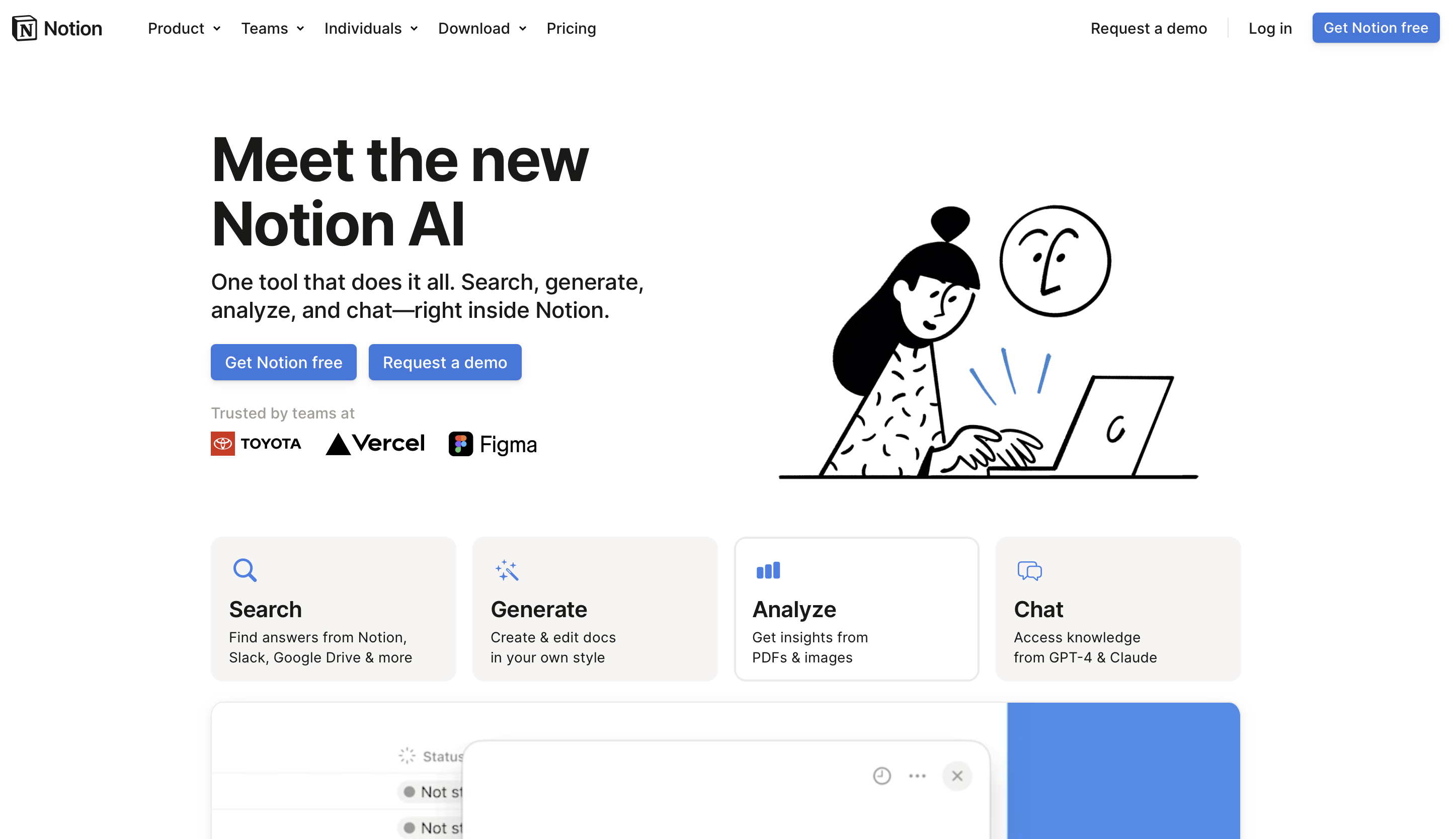
Notion was a popular all-in-one workspace before AI arrived. The AI layer sits inside the existing structure: summarize a lecture note page, generate a study plan from a syllabus, brainstorm essay angles inside a research database. The value depends on whether the student is already organized inside Notion. For those who are, the AI feels like a quiet upgrade. For those who are not, the workspace itself is the first hurdle.
On Capterra, Notion holds a 4.7 out of 5 average across thousands of reviews, with users praising flexibility but citing the learning curve as the main adoption barrier.
Strengths in a real student workflow
•Summarizing long lecture notes into key bullet points inside the same page
•Generating a study schedule from a course syllabus pasted into Notion
•Connected databases for tracking readings, assignments, and exam prep in one place
Notion AI details at a glance
| Free plan | Unlimited pages, blocks, basic AI trial credits, Education plan free with .edu |
| Paid AI access | Around USD 10 per member per month, unlimited AI use across pages and databases |
| Best subject fit | Long courses, multi-semester projects, students juggling internships and classes |
| Integrations | Google Calendar, Slack, GitHub, Figma, plus AI connectors to ChatGPT and Claude |
Where it falls short
•Steep onboarding for students who just want to take notes and move on
•Performance lags in very large workspaces with hundreds of pages and databases
•AI suggestions inside notes are useful but not as advanced as standalone ChatGPT or Claude
Otter.ai: the lecture-capture tool worth keeping running

Otter.ai records and transcribes lectures, seminars, and group discussions in real time, producing a searchable transcript with speaker labels. For dense theoretical courses, sciences with technical vocabulary, or lectures from professors with strong accents, the ability to scroll back through a written record changes how revision works.
Capterra reviews of Otter.ai consistently flag it as a productivity boost. Users find the interface intuitive and note that it saves significant time when transcribing meetings. Accuracy holds in clean audio but drops with strong accents or background noise.
Where Otter genuinely earns its place
•Real-time transcription during in-person lectures using the mobile app
•Automatic capture in Zoom, Google Meet, and Microsoft Teams sessions
•Otter AI Chat summarizes lectures and answers questions about transcript content
Otter.ai details at a glance
| Free plan | 300 transcription minutes per month, 30 minutes per session |
| Pro plan | USD 16.99 per month, 1,200 minutes monthly, 90 minutes per session |
| Best subject fit | Lecture-heavy programs, languages, medical and law school courses |
| Output formats | TXT, DOCX, PDF, SRT, with highlights and shareable links |
Where it falls short
•Accuracy drops noticeably with strong regional accents or technical jargon
•Free plan minutes evaporate quickly for students with multiple lectures per day
•Currently strongest in English; non-English language support is limited
Perplexity: search engine and research assistant rolled together

Perplexity sits between traditional search and a chatbot. Ask a question and the answer comes back with citations linked inline, often from academic sources and authoritative web pages. For students writing papers that need real references, citation transparency is the differentiator. Where ChatGPT might invent a citation, Perplexity points to a real URL that can be opened and verified.
A Quoleady analysis from early 2026 found that across SaaS discovery, an increasing share of buyers now turn to AI tools like Perplexity instead of traditional search, reflecting how citation-aware AI has shifted research habits.
How Perplexity helps a research workflow
•Academic mode filters results to peer-reviewed and scholarly sources
•Pro Search runs multi-step research queries automatically, surfacing follow-up questions
•Citations link directly to source articles, making fact-checking immediate
Perplexity details at a glance
| Free plan | Unlimited quick searches, limited Pro Search per day |
| Pro plan | USD 20 per month, unlimited Pro Search, model choice (GPT, Claude, Sonar) |
| Best subject fit | Term papers, literature reviews, current-events analysis, journalism studies |
| Source filters | Web, Academic, Social, YouTube, Reddit |
Where it falls short
•Source quality varies; the AI sometimes pulls from low-authority sites and ranks them equally with peer-reviewed sources
•Long-form writing is weaker than dedicated chatbots; better as a research assistant than a drafting tool
•Trustpilot reviews flag billing complaints and shifting Pro plan limits as recurring issues
Quizlet: the active recall engine that adapted to AI

Quizlet started as a flashcard site and has been a study fixture for nearly two decades. The AI additions extended what was already working: paste in lecture notes or a textbook chapter and the AI generates a study set with flashcards, practice tests, and matching games. Spaced repetition and active recall remain backed by strong learning science.
On Google Play, Quizlet holds a 4.3 out of 5 rating from over 765,000 reviews, reflecting heavy daily use worldwide. That review volume across active users signals genuine reliance rather than first-impression curiosity.
Features that work for exam-week studying
•AI-generated study sets from uploaded notes, PDFs, or pasted text
•Learn mode adapts to weak areas, focusing on terms the student keeps missing
•Practice tests in multiple formats: multiple choice, written, matching, true/false
Quizlet details at a glance
| Free plan | Basic flashcards, limited AI features, ad-supported |
| Quizlet Plus | Around USD 35.99 per year, full AI study set generation, ad-free, offline study |
| Best subject fit | Languages, vocabulary-heavy courses, medical school, law school, history dates |
| Platforms | iOS, Android, web, with full offline mode on Plus |
Where it falls short
•Several previously free features now sit behind the Plus paywall, which has drawn vocal user backlash on Trustpilot
•AI-generated cards still need a manual review pass; definitions occasionally drift from source material
•Heavy reliance on memorization can crowd out deeper conceptual study if used as the only tool
Picking the right tool for the actual study task
No single tool covers every job. The table below matches common student tasks to the tool that handles them best, based on the strengths and limits laid out above. Pair them, do not stack them.
| Study task | Primary tool | Why it fits |
|---|---|---|
| Writing a 5,000-word essay | Claude | Handles long inputs, preserves voice during edits |
| Finding peer-reviewed sources | Perplexity | Cited results, academic filter, traceable links |
| Reviewing lecture material | NotebookLM | Answers come only from uploaded sources, no fabrication |
| Capturing live lectures | Otter.ai | Real-time transcription with speaker labels |
| Memorizing terminology | Quizlet | Spaced repetition plus AI-generated cards |
| Final proofreading | Grammarly | In-line edits inside Word, Docs, and browsers |
| Brainstorming and quick explanations | ChatGPT | Broad coverage, fast iterations, voice and image input |
| Organizing notes and planning | Notion AI | AI inside the same place where notes live |
Tool fit is based on aggregated user reviews from G2, Capterra, and Trustpilot, plus published feature comparisons.
Final verdict: what a sensible student stack actually looks like
After spending considerable time with each of these tools across real coursework, a pattern repeats. The students getting the most out of AI are not the ones with the longest list of subscriptions. They are the ones running a small, deliberate stack that covers four jobs: capturing what was said, finding what to read, working through ideas, and polishing what gets submitted.
A practical stack might look like Otter.ai for lecture capture, NotebookLM or Perplexity for readings, ChatGPT or Claude for drafting, and Grammarly as a final pass. Notion AI fits in for anyone whose study system already lives there. Quizlet handles raw memorization. Adding a sixth or seventh tool produces diminishing returns fast.
One caveat: every tool here will hallucinate, mislabel, or hand back something subtly wrong eventually. Students who avoid trouble treat AI output as a first draft to verify, not a final answer to submit. That habit, more than any single subscription, turns these tools into a real academic asset.