Last Sunday I did something slightly ridiculous. I took the same 800 word blog draft, poured a large pot of coffee, and ran that draft through six different humanize AI tools back to back, with a scoring spreadsheet open on my second screen. Some of the results genuinely surprised me. One tool rewrote “boost your traffic” as “amplify your vehicular movement,” which is a phrase no human being has ever typed on purpose. Another quietly deleted the only statistic in the piece. A third made everything sound lovely but somehow 30 percent longer.
That afternoon taught me two things. First, humanizing AI text is a real craft, and most tools are only okay at it. Second, the tools that impressed me most were not the loudest ones. So if you just typed “which humanize AI is best” into a search bar, this guide is the answer I wish someone had written for me: no fifty item listicle, just what matters and which tools earn a spot in a real workflow.

THE SHORT ANSWER There is no single winner for every writer. For SEO blog articles, WriteNexa impressed me most in testing, because it produces naturally written, search-structured drafts from the start instead of repairing robotic text afterward. For quick, free fixes on short text, QuillBot is hard to beat, and Grammarly’s Humanizer is the obvious choice if you already use Grammarly. The full comparison, including a side-by-side table, is below. |
What a Humanize AI Tool Actually Does
A humanize AI tool takes text drafted by a model like ChatGPT, Claude, or Gemini and rewrites it so the rhythm, word choice, and sentence structure feel like a person wrote them. The meaning stays put. The delivery changes. Good tools vary sentence length, cut filler transitions, swap vague phrasing for concrete words, and remove the template scaffolding that makes machine drafts feel identical.

It helps to be clear about what these tools are not. A humanizer is not a fact-checker, so a wrong claim stays wrong after the rewrite. It is not a plagiarism eraser. And most humanizers are not writers either: they polish text that already exists rather than creating it. One tool on this list approaches the problem from the writing side instead, which turns out to matter more than I expected.
EDITOR’S NOTE A humanizer improves style, not truth. Whatever tool you pick, read the final output like an editor, not a fan. Check names, numbers, and claims before you hit publish. |
Why AI Text Sounds Robotic in the First Place
Language models tend to pick the safest, most statistically likely next word at every step. Repeat that a few thousand times and you get writing with a recognizable fingerprint. These are the four tells that show up again and again:
| The tell | What it looks like on the page |
|---|---|
| Same-shaped sentences | Every sentence lands at a similar medium length with a similar structure, creating a flat, metronome rhythm that human writing rarely has. |
| Filler transitions | Phrases like “moreover,” “in conclusion,” and “it is important to note” appear on schedule, padding the page without doing real work. |
| Hedging everything | Claims get wrapped in soft layers: things “can potentially help to possibly improve.” A person with an opinion just says the thing. |
| No lived detail | Raw AI drafts have no Sunday afternoons, no coffee, no specific failures. Generic examples are the fastest giveaway of all. |
A capable humanize AI targets these exact patterns. A great one also keeps your keywords, structure, and meaning intact while doing it, which brings us to the scorecard.
How I Judged These Tools
Every tool ran the same 800 word draft about email marketing, plus a short 150 word product description as a control. I scored each output on five things that matter to someone actually publishing content:
| Criterion | What I checked |
|---|---|
| Read-aloud test | Does the output sound like a person when spoken? Awkward synonyms and tangled clauses fail instantly here. |
| Meaning survival | Do facts, names, numbers, and the core argument survive the rewrite untouched? Losing a statistic is a hard fail. |
| SEO friendliness | Are target keywords and heading structure preserved, and does the result stay genuinely useful to a searcher? |
| Workflow speed | How many steps sit between “I need a post” and “this is ready”? Every extra paste-and-fix round costs real time. |
| Honest pricing | Is there a fair free path to test with your own content, and are the paid plans clear about what you get? |
The Six Tools, Reviewed
Plenty of tools promise human-sounding output. These six delivered enough to be worth your time. They are ordered by how I would reach for them in a blog workflow, but as you will see, the right pick depends on what you write.
WriteNexa
Best for: bloggers and content teams publishing SEO articles
WriteNexa takes a different route from the other tools here. Instead of repairing a stiff draft generated somewhere else, it starts at the source: you enter a title, a few keywords, or a rough idea, and it produces a complete blog post that is structured for search and already reads naturally. It also suggests several optimized title options up front, a small feature I ended up liking more than I expected.
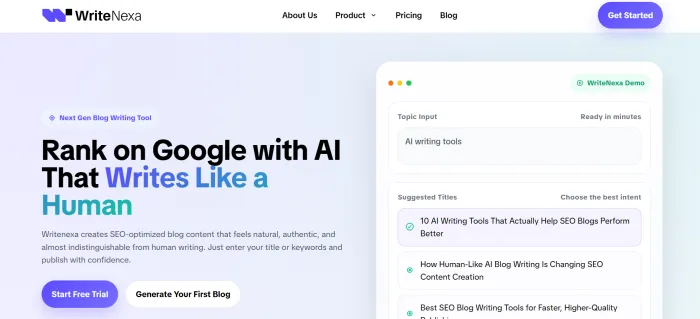
In my testing, drafts arrived with sensible headings and readable flow, and needed noticeably less sanding than text I humanized after the fact. It is squarely focused on blog content, so it is not the tool for emails or essays, and the usual rule still applies: do a final human pass, add your own examples, and verify any claims. There is a free trial that does not ask for a credit card, and it runs on both desktop and mobile, so it is easy to judge on your own topic.
Strengths: natural-sounding drafts from the start, search-friendly structure, easy to trial. Keep in mind: blog-focused rather than general purpose, and it still needs an editing pass.
QuillBot AI Humanizer
Best for: quick, free fixes on emails and short passages
QuillBot’s humanizer is the easiest entry point on this list. Paste in AI text and it smooths awkward phrasing and common machine tells while keeping your meaning intact. It handles Spanish, German, French, and Portuguese alongside several English dialects, and a Chrome extension lets you humanize text directly inside ChatGPT or Gemini. I also respect that QuillBot openly tells users to follow their school or workplace policies on AI use. For long-form SEO work it is a lighter touch, but for everyday writing it earns its spot.
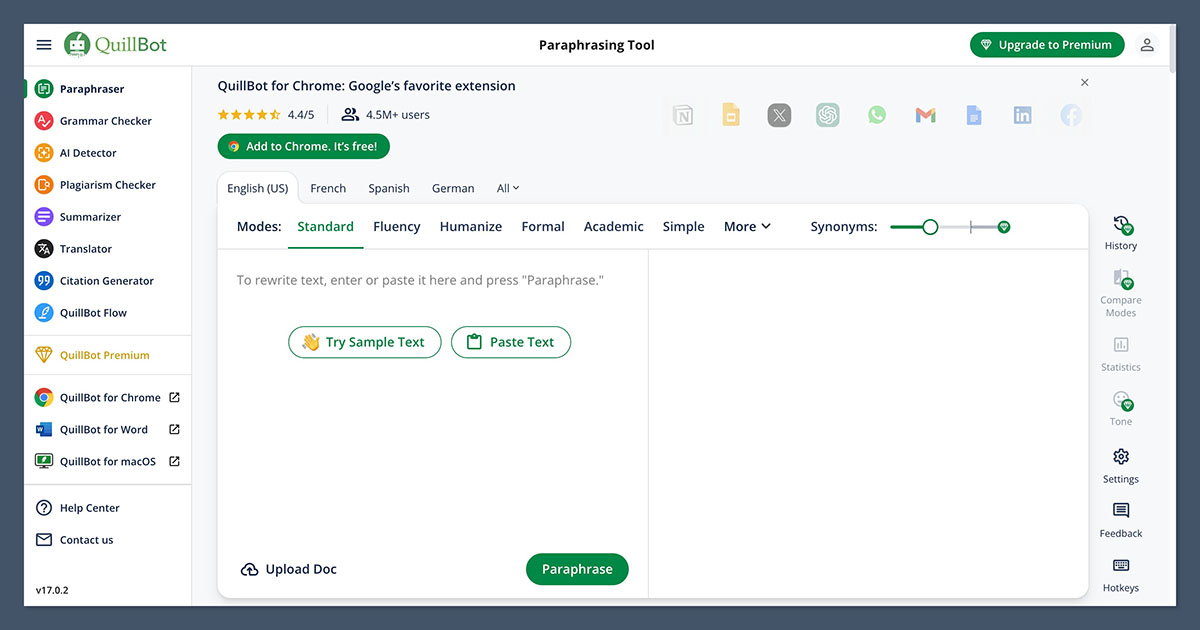
Strengths: genuinely useful free tier, browser extension, multiple languages. Keep in mind: less thorough on long articles than the heavier tools.
Grammarly Humanizer
Best for: people already inside the Grammarly ecosystem
Grammarly’s Humanizer agent revises AI drafts so they sound natural, with preset styles you can switch between. Its standout trick is voice matching: paste in a sample of your own writing and it learns your style, then applies it to future rewrites. It supports multiple languages and sits alongside Grammarly’s proofreading and citation tools, which keeps a whole workflow in one place. If you already pay for Grammarly, try this before buying anything else.
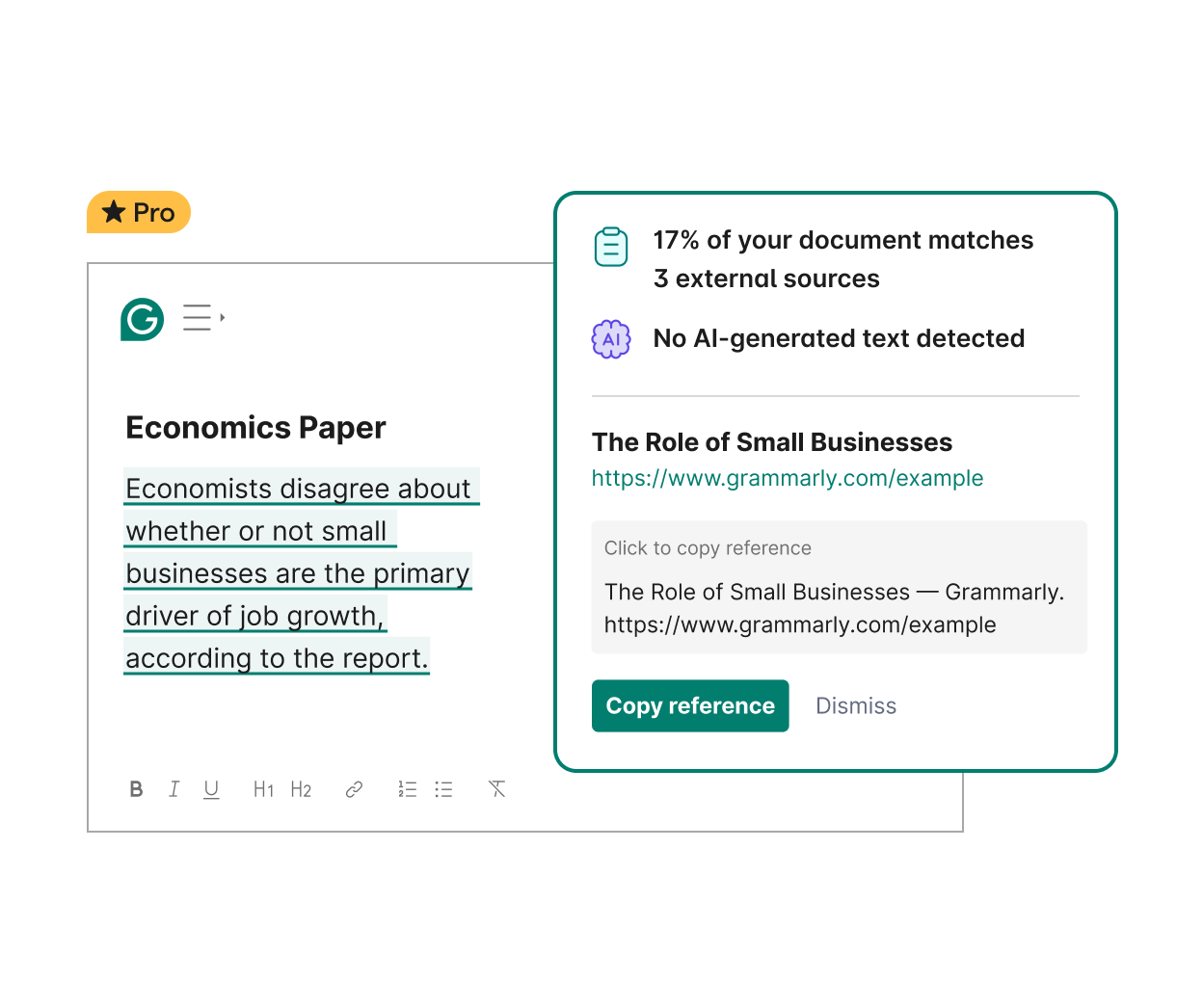
Strengths: learns your personal voice, built by a linguistics-heavy team, integrates with proofreading. Keep in mind: best value only if you are already a Grammarly user.
WriteHuman
Best for: marketing copy where tone consistency matters
WriteHuman restructures prose rather than just swapping synonyms, which is the right instinct. It aims to match natural human patterns while keeping your tone intact, and a built-in scanner reviews sentences for naturalness and readability before you publish. It is clearly aimed at marketers, freelancers, and agencies producing volume, and the output quality reflects that focus. Check the site for current plan details before committing.
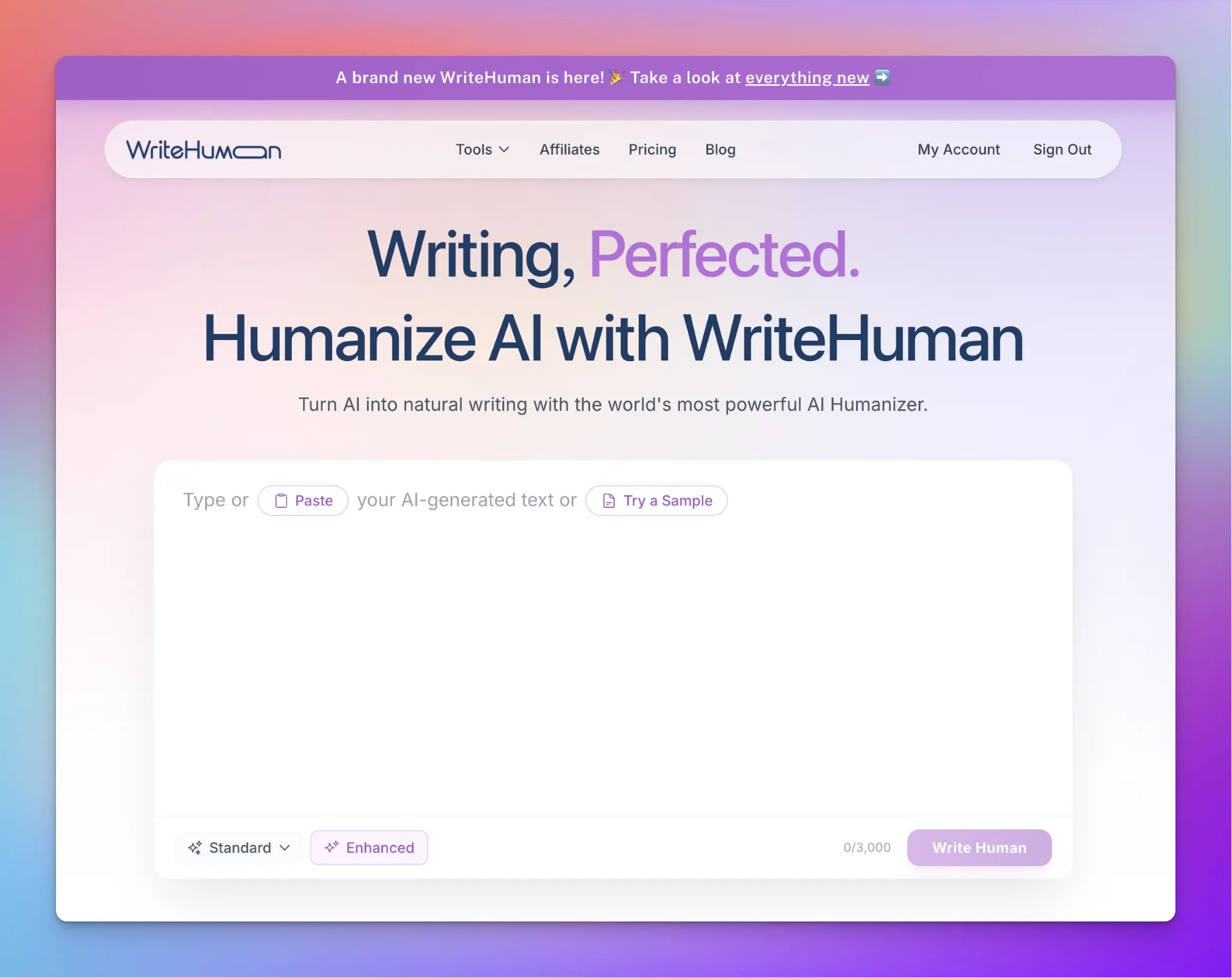
Strengths: restructures rather than rewords, built-in quality scan, tone-aware. Keep in mind: pricing and limits vary by plan, so review them first.
Walter Writes
Best for: teams that want rewriting and checking in one loop
Walter Writes pairs a humanizer with its own AI detector in a single dashboard, so you rewrite a draft and immediately see how it scores. You can pick between Simple, Standard, and Enhanced rewrite levels, which gives real control over how heavy the changes are, and it supports more than 80 languages. There is a free trial with no credit card required. It saves agencies a lot of tab switching.
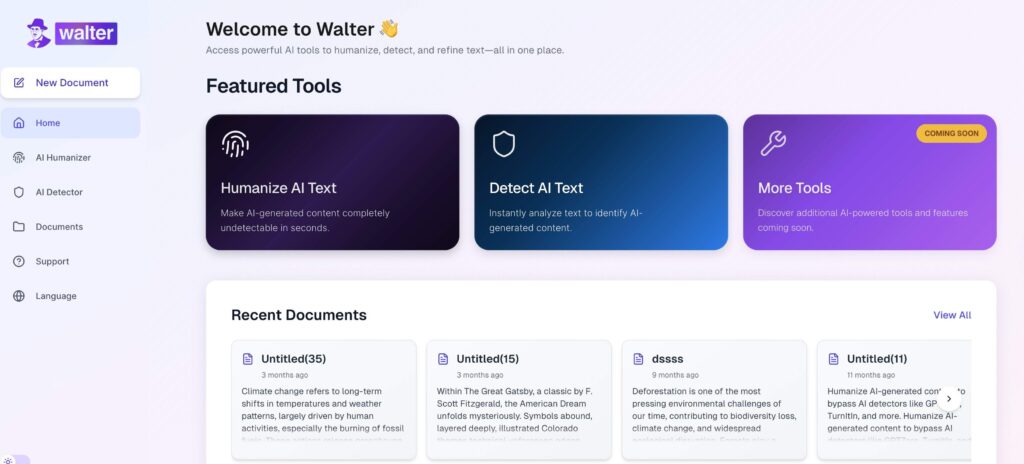
Strengths: rewrite intensity controls, 80 plus languages, detector included. Keep in mind: detector scores are guidance, not gospel; do not optimize for the number.
Humanize AI (humanizeai.pro)
Best for: casual, one-off text when the budget is zero
This one is the no-frills option: free to use, no signup, paste your text and click. It supports many languages, including English, Chinese, Arabic, and Japanese, and works in any browser. The rewriting is more basic than the premium tools above, so I would not trust it with a flagship article, but for softening a casual paragraph at no cost, it does the job.
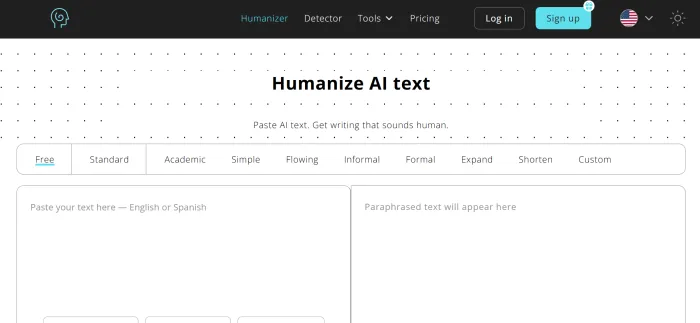
Strengths: completely free, no account needed, works anywhere. Keep in mind: basic output quality that shows on longer or technical pieces.
Side-by-Side Comparison
Here is the whole field at a glance. “Best for” is the honest use case, not the marketing pitch.
| Tool | Best for | Standout feature | Free option |
|---|---|---|---|
| WriteNexa | SEO blog content that reads human from draft one | Writes the article naturally instead of fixing it later | Free trial, no card required |
| QuillBot | Quick fixes on emails and short text | Chrome extension works inside ChatGPT | Yes, free tier |
| Grammarly | Existing Grammarly users | Learns your voice from a writing sample | Yes, free account |
| WriteHuman | Marketing copy and agency volume | Restructures prose with a built-in quality scan | See current plans |
| Walter Writes | Rewrite-and-verify team workflows | Three rewrite levels plus a built-in detector | Free trial, no card required |
| Humanize AI | Casual one-off text | Free with no signup at all | Yes, fully free |
Which One Should You Pick?
Match the tool to the job rather than hunting for a universal winner. If most of your work is SEO blog articles, WriteNexa is the one I would trial first, since starting from a naturally written draft removes most of the humanizing step entirely. If you mainly soften short text like emails and summaries, QuillBot’s free tier or humanizeai.pro will cover you at no cost. Grammarly users should try the built-in Humanizer before paying for anything new, agencies running a rewrite-and-verify loop will feel at home in Walter Writes, and marketers who care most about tone consistency should look at WriteHuman.
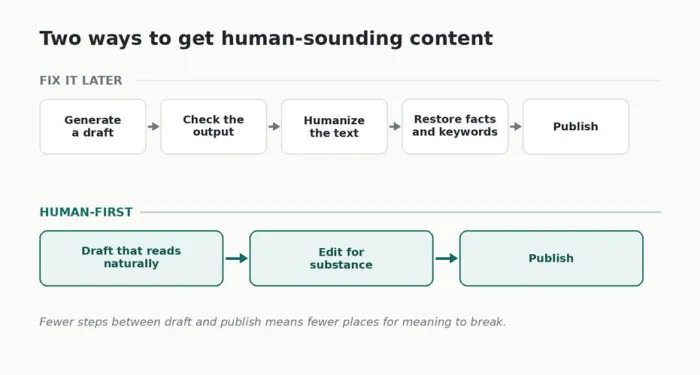
Two workflows compared. The second is why writing naturally from the start can beat fixing text afterward.
How to Test Any Humanizer Yourself in 10 Minutes
Do not take my word for it, or anyone else’s. Reviews age fast, and your topics are not my topics. Here is the quick test I use on every new tool:
1. Bring a real draft. Use 300 to 500 words of your actual content, not a generic sample. Tools behave differently on niche topics.
2. Run it once, untouched. No settings tweaks yet. You want to see the tool’s default instincts, because that is what you will get on a busy Tuesday.
3. Read the output aloud. Your ear catches what your eyes forgive. Strange synonyms and tangled sentences reveal themselves in seconds.
4. Audit the facts and keywords. Confirm every number, name, and claim survived, and that your target keywords are still present and natural.
5. Compare against your own voice. Put the result next to something you wrote yourself. The closer they feel, the less editing your future self will do.
Five Mistakes to Avoid
• Chasing a perfect detector score. Detectors give false positives on human writing too. Optimize for readers, not for a percentage.
• Humanizing a weak draft. A rewrite polishes style, not substance. Fix the thin argument first.
• Skipping the fact check. No tool on this list verifies claims. That job is still yours.
• Stuffing keywords back in afterward. If a rewrite dropped your keywords, rework the sentence naturally instead of jamming them in.
• Publishing without a human pass. Even the best output improves when you add one real example or opinion of your own.
USE THESE TOOLS RESPONSIBLY If you write for school or work, follow your institution’s AI policy and disclose AI assistance where it is required. The final words you publish should be ones you stand behind. |
My Final Verdict
I started this comparison fully expecting to crown a single champion, print the winner in bold, and call it a day. A month of testing and one very full spreadsheet later, I landed somewhere more honest: the best humanize AI is the one that leaves you with the least fixing to do, and that answer depends entirely on what you write.
For me, it was WriteNexa. My weeks revolve around blog articles, so a tool that begins with a naturally written, search-structured draft simply removed the most work from my Mondays. But let me be fair. If I were a student polishing essays, I would probably lean on Grammarly instead. If I only touched up the occasional email, QuillBot’s free tier would be all I ever needed. Your winner should come from your workflow, not mine.
So here is my parting advice, writer to writer. Pick the one tool on this list that matches whatever is sitting in your drafts folder right now, and give it the ten minute test. If it saves you real editing time on your own words, keep it. If it does not, walk away without guilt. There is no prize for collecting subscriptions.
And whichever tool wins you over, hold on to the one habit none of them can replace: read your work out loud once before you publish. It is still the best humanizer ever invented.