
Every finance manager knows the moment. You signed up for a $20-a-month AI writing tool because, well, it is twenty dollars. Twelve months later the procurement sheet has Jasper, Grammarly, ChatGPT Business, a Surfer SEO seat, and an unexplained Anthropic API charge from someone in growth. The sticker shock sits somewhere between a coffee subscription and adopting a horse.
That gap between the pricing page and the real invoice is what this article is about. AI writing tools in 2026 are not a single line item. They are seats, credits, tokens, add-ons, and editing time, almost none of which appears at checkout. Siege Media and Wynter put 2026 adoption at 97 percent of content marketers. Cost discipline is nowhere near that number.
This guide covers the six tools that dominate AI writing budgets right now: ChatGPT, Claude, Jasper, Copy.ai, Writesonic, and Grammarly. For each, you get the actual 2026 pricing, the costs the pricing page leaves out, and the trade-offs you only find after the credit card hits.
The 2026 AI Writing Market
Before we get into individual tools, three numbers matter. First, market size: independent estimates put the global AI writing assistant software segment between $1.34 billion (Research and Markets, 2026) and $4.2 billion (Grand View Research, broader scope), growing somewhere between 9 percent and 17 percent CAGR depending on how the category is defined. Second, usage: ChatGPT alone now serves around 900 million weekly active users and processes roughly 2.5 billion daily requests, which means roughly one in eight people on the planet touches an AI writing surface every week. Third, productivity: teams using AI writing tools report saving 5 to 11 hours per week and publishing approximately 42 percent more content per month.
Those numbers explain why every marketing team has a budget line for this. They do not explain why so many of those budget lines keep growing. The reason is that the AI writing tool stack has fragmented. The cheapest base model now writes better prose than the dedicated AI writing tools did two years ago, but the workflow tools, brand voice training, SEO add-ons, and editing layers have all become separate purchases. The result is what cloud finance teams now call "AI sprawl": multiple subscriptions doing slightly different jobs for the same person, often without IT visibility.
The Five Hidden Cost Categories You Should Already Be Tracking
Every tool below shares the same underlying cost structure. The sticker price is one of five layers, and usually the smallest one. Understanding the layers is the only way to compare tools honestly.
•Editing tax: the human time spent rewriting, fact-checking, and de-roboting AI output. Industry benchmarks place this at 30 minutes per article on premium tools and 2 to 3 hours on budget tools, which is the largest hidden cost on every single product in this list.
•Stack creep: the additional tools you buy to fix what the first tool cannot do. A Jasper subscription typically pulls in Surfer SEO ($89+/month), Grammarly ($12 to $30/month), and a plagiarism checker before it produces shippable content.
•Per-seat sprawl: per-user pricing means a five-person team pays five times the headline figure, and "unlimited" plans almost always have fair-use ceilings that quietly cap heavy users.
•Token and credit overages: API pricing, workflow credits, and word caps create variable costs that do not appear on the pricing page. Anthropic's 200,000-token threshold doubles per-message cost for long documents, and Copy.ai's workflow credits are consumed faster than most teams expect.
•Lock-in and migration cost: brand voices, prompt libraries, and trained agents are not portable between tools. Switching after twelve months means rebuilding institutional knowledge from scratch, and that re-onboarding cost is rarely budgeted.
All Six Tools at a Glance: 2026 Pricing
Before going tool by tool, here is the full pricing landscape on one page. Prices are verified against vendor pages and corroborating sources as of April 2026. Annual billing is shown where it produces the best advertised rate.
| Tool | Free / Trial | Entry paid | Mid tier | Top individual | Team / Business |
|---|---|---|---|---|---|
| ChatGPT | Free (with ads) | $8/mo (Go) | $20/mo (Plus) | $200/mo (Pro) | $20/seat/yr (Business) |
| Claude | Free | $17/mo annual (Pro) | $100/mo (Max 5x) | $200/mo (Max 20x) | $25/seat (Team Std, 5 min) |
| Jasper | 7-day trial | $59/mo annual (Pro) | $69/mo (Pro monthly) | n/a | Custom (~$250-$350/mo) |
| Copy.ai | Free (2K words) | $49/mo (Starter) | $249/mo (Agents) | $1,000+/mo (Growth) | $4,000+/mo (Scale) |
| Writesonic | Free trial | $16-$20/mo annual | $79-$99/mo (Standard) | $199-$249/mo (Pro) | Custom (Advanced) |
| Grammarly | Free (100 prompts) | $12/mo annual (Pro) | $30/mo (Pro monthly) | n/a | $12-$15/seat (Pro Teams) |
Three patterns jump out. First, the cheapest individual paid tier across all six tools sits between $12 and $20 a month, which is why the entry decision feels low-stakes and the actual stack ends up high-stakes. Second, the mid-tier gap is enormous: a jump from Claude Pro ($20) to Max 5x ($100) is a 5x increase, and Copy.ai's gap from Chat ($29) to Agents ($249) is 8.5x. Third, only ChatGPT and Claude offer a sub-$25 individual plan with serious capabilities. Every other tool in this list either starts higher or only earns its keep on Team and above.
ChatGPT (OpenAI)
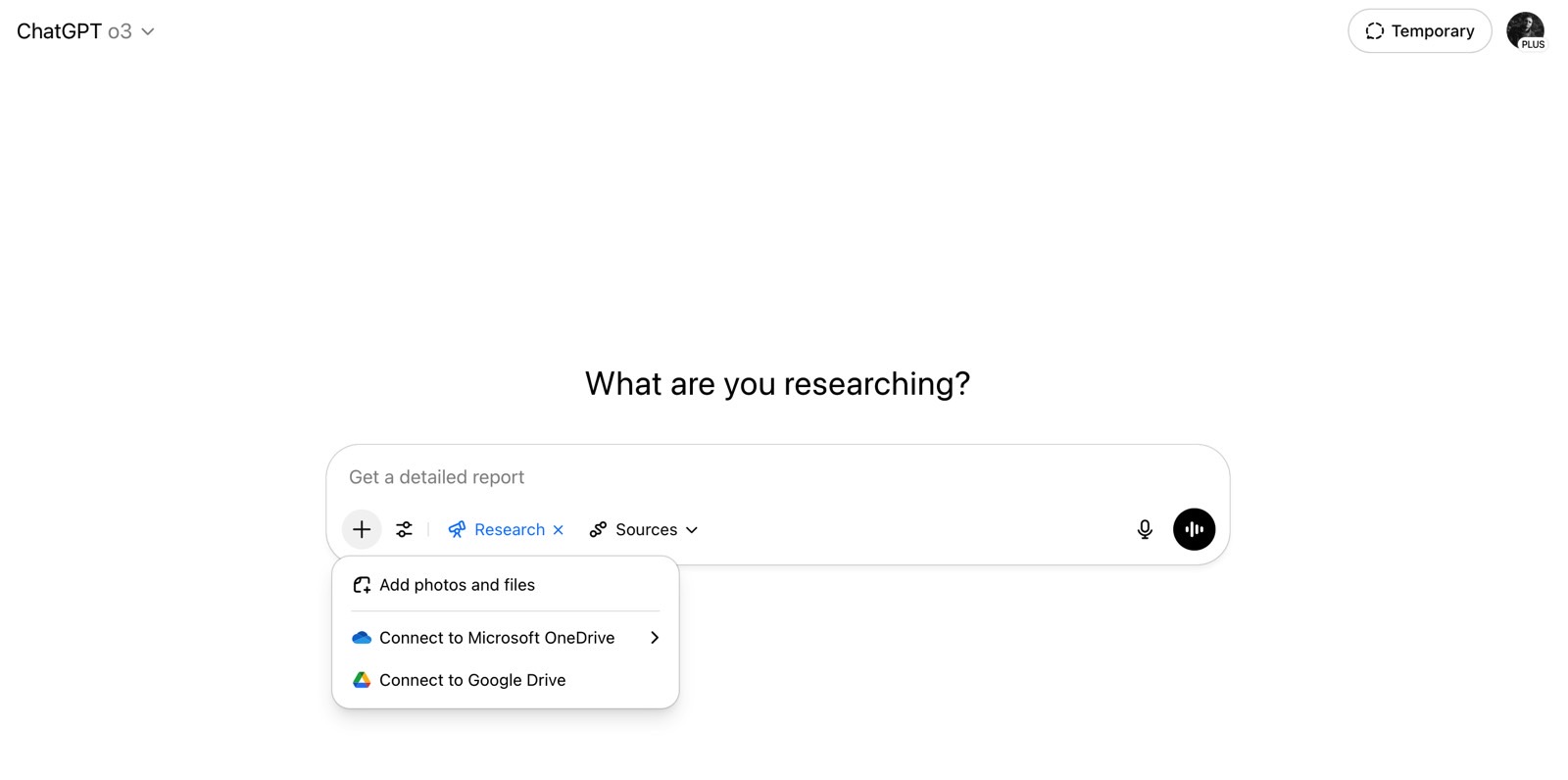
ChatGPT is the default AI writing tool by sheer scale, and OpenAI rewrote its own pricing chart twice in the last six months. GPT-5.5 became the top model on April 23, 2026, a $100/month Pro tier launched on April 9, and on April 2 the company cut Business pricing from $25 to $20 per seat on annual billing. If you read a buyer's guide from late 2025, the numbers are already out of date.
What ChatGPT actually does well
ChatGPT remains the strongest general-purpose writer in the category. Drafting, brainstorming, rewrites, translation, and tone adjustment are all handled at production quality on the Plus plan or higher. Custom GPTs let teams package recurring workflows (email drafting, proposal review, social copy) into reusable agents, and the connector ecosystem now reaches into Gmail, Drive, and most major SaaS tools. For pure writing throughput at a consumer price point, it remains the benchmark.
ChatGPT pricing in 2026
| Plan | Price | Best for | Key inclusion |
|---|---|---|---|
| Free | $0 (with ads in US) | Casual users, single-task help | GPT-5 base, 10 msgs/5 hrs |
| Go | $8/month | Light personal use | Higher message cap, ads in US |
| Plus | $20/month | Individual professionals | GPT-5.5, Deep Research (10/mo), Sora |
| Pro $100 | $100/month | Daily power users | 5x Plus limits, GPT-5.5 Pro |
| Pro $200 | $200/month | Heavy researchers | 20x limits, 1M context, 250 Deep Research |
| Business | $20/seat/yr or $25/mo | Teams of 2+ | No training on data, SSO, SCIM, SOC 2 |
| Enterprise | ~$60-100/seat (~150-seat min) | Regulated industries | Data residency, audit logs, dedicated AI advisor |
Hidden costs the pricing page does not show
The first hidden cost is the API. ChatGPT subscription seats and API usage are billed separately, which surprises every team that builds an internal automation on top of their seat. A single Zapier workflow generating product descriptions can quietly burn $40 to $80/month in API tokens that nobody linked to the marketing budget. GPT-5.5 also doubled per-token costs compared to GPT-5.4 ($5 input vs $2.50, $30 output vs $15), so any team that built workflows on the older model and auto-upgraded saw their bill jump in late April.
The second hidden cost is shadow IT. CloudEagle's enterprise data shows that companies routinely pay for ChatGPT Plus on individual corporate cards while also holding a Business tenant, which means IT is paying twice for the same user. The third is data exposure: Free and Plus conversations may train OpenAI models unless the user manually opts out, which has triggered post-purchase migrations to Business specifically for the training-exclusion default. Finally, the Pro $100 tier sits in an awkward middle: most users do not actually need more than Plus, and most users who need more than Plus end up needing Pro $200, so the middle tier captures upgraders rather than serving a clean use case.
Pros and cons
| Pros | Cons |
|---|---|
| Best general writing quality at $20 | API billed separately from seats |
| Largest ecosystem of GPTs and integrations | GPT-5.5 token cost doubled vs predecessor |
| Business plan now matches Plus on price | Free/Plus content may train models by default |
| Deep Research and Sora included on Plus | Enterprise requires ~150-seat minimum |
Claude (Anthropic)
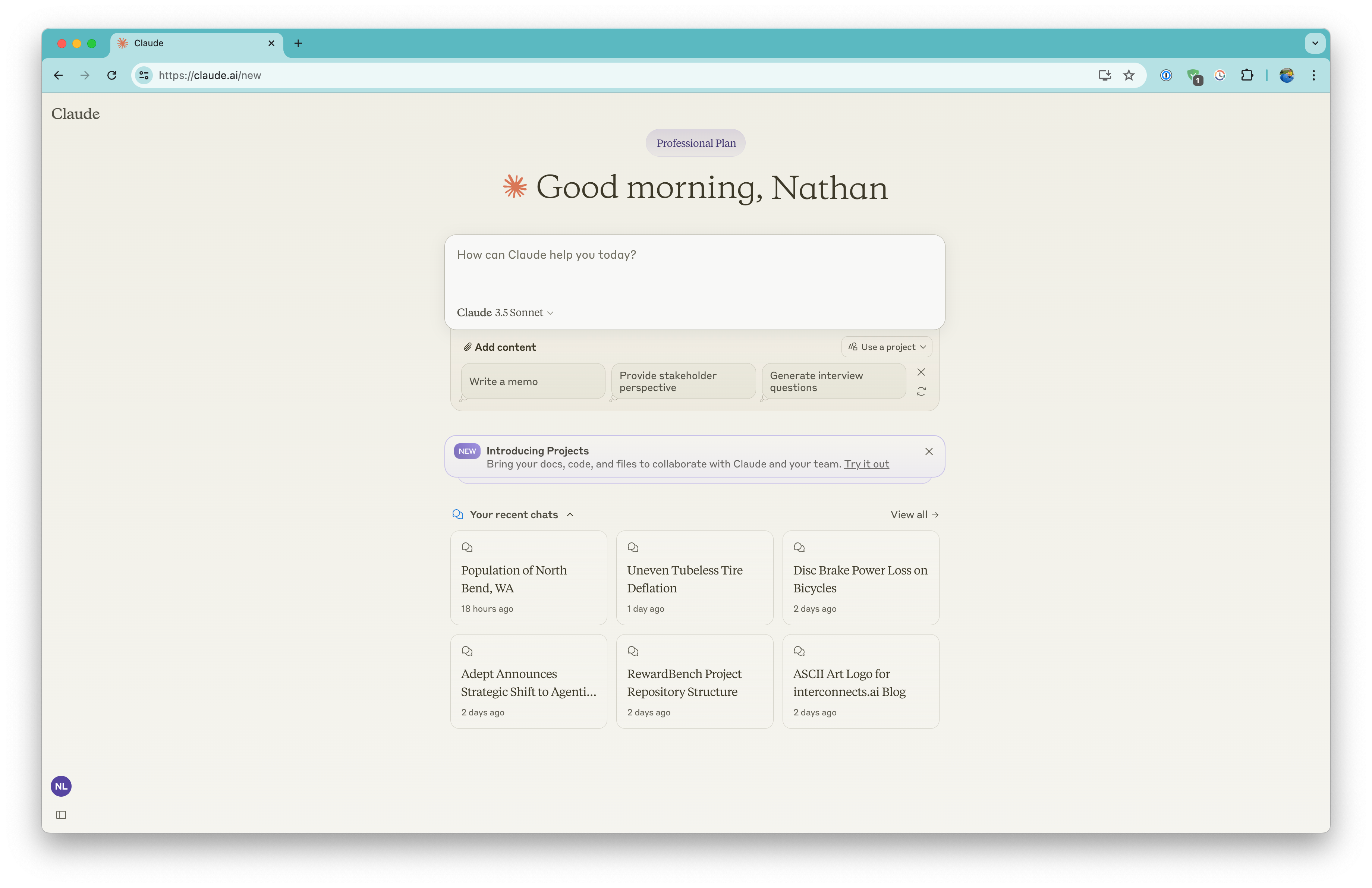
Claude has become the writer's writer. Independent writing-quality tests in 2026 consistently rank Claude (Opus 4.6 and Sonnet 4.6) at the top of the category for natural prose, long-form coherence, and low-edit drafts, which is why a number of professional writers have quietly moved from dedicated AI writing tools to a single Claude Pro subscription. The pricing structure is straightforward on the surface and quite layered underneath.
What Claude actually does well
Claude's strength is long-form writing that reads like a human did it. Sonnet 4.6 holds context across 200,000 tokens cleanly, and Opus 4.6 (and the newer Opus 4.7 on Max) handles multi-document synthesis better than competitors. The 1 million token context window for Sonnet 4.6 (currently API-only) is the practical ceiling in the industry. For drafting whitepapers, technical documentation, or any project where the cost of a hallucination is high, Claude is usually the safer pick.
Claude pricing in 2026
| Plan | Price | Best for | Key inclusion |
|---|---|---|---|
| Free | $0 | Trying the product | Limited Sonnet, web/iOS/Android/desktop |
| Pro | $20/mo or $17/mo annual | Solo professionals | 5x free usage, Claude Code, projects |
| Max 5x | $100/month | Heavy daily users | 5x Pro, priority access, Cowork |
| Max 20x | $200/month | Power users, devs | 20x Pro, Opus 4.7, early features |
| Team Standard | $25/seat/mo (5-seat min) | Collaborative teams | Admin, SSO, no training on data |
| Team Premium | $150/seat/mo | Engineering teams | Adds Claude Code at the seat level |
| Enterprise | Custom | Compliance-heavy orgs | 500K context, HIPAA-ready, governance |
Hidden costs the pricing page does not show
Claude's biggest hidden cost is the 200,000-token threshold rule. Once a single input message goes over 200K tokens on the Sonnet 4.6 API, the rate doubles for that entire message ($6 input, $22.50 output instead of $3 and $15). A team analyzing long contracts, codebases, or research datasets can see an unexpected 2x bill spike on individual requests that crossed the line by even a few tokens. Anthropic publishes this rule, but it is buried in the API documentation, not the consumer pricing page.
The second hidden cost is the 5-hour rolling session limit on subscription plans. Claude does not show a token meter; it shows "usage limits" that reset every 5 hours, and weekly caps stack on top. Heavy Claude Code users on Max 20x have reported burning through a full window in 70 minutes during a refactor session. The third is the Team plan structure: Claude Code only ships on Team Premium ($150/seat) or individual Pro/Max, so an engineering team on Team Standard ($25/seat) cannot actually use the coding agent without a tier change. Finally, Anthropic charges a 10 percent regional premium for data-residency endpoints on AWS Bedrock and Google Vertex, which adds up at enterprise volumes.
Pros and cons
| Pros | Cons |
|---|---|
| Highest natural-prose writing quality | 200K-token rule doubles long-doc cost |
| 1M token context window on Sonnet 4.6 | 5-hour session limits invisible until hit |
| No training on Pro/Team data by default | Claude Code requires Premium seat ($150) |
| Strong agentic and code workflows | Smaller plugin ecosystem than ChatGPT |
Jasper AI
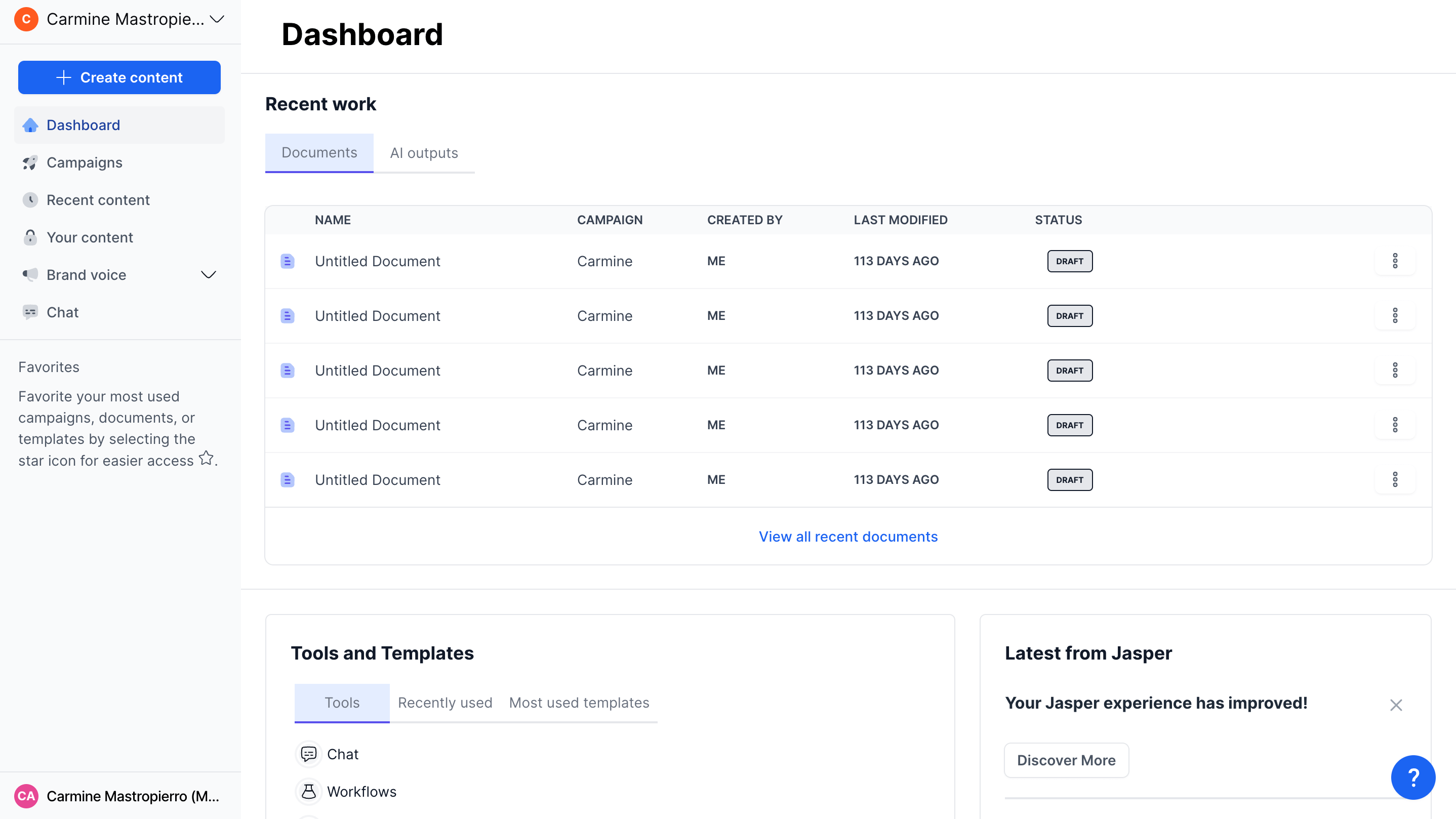
Jasper is the survivor of the first wave of dedicated AI writing tools. As of April 2026 the company has consolidated to two public plans (Pro and Business) and a private legacy Creator tier, and it now positions itself explicitly as a marketing platform rather than a general-purpose writer. That repositioning is doing real work: Jasper's defensible value is no longer raw text quality (Claude and ChatGPT both write better), it is brand voice training, campaign workflows, and Jasper IQ, the context layer that ties brand assets to outputs.
What Jasper actually does well
Jasper earns its premium when a marketing team needs (a) consistent brand voice across many outputs, (b) shared templates and a Style Guide, and (c) campaign-level workflows that route content through approval. Jasper IQ holds your brand voice, audience, and knowledge assets, and the Canvas editor plus the no-code AI App Builder on Business let an ops lead codify a content process without engineering. For agencies juggling multiple brand voices for different clients, this is the cleanest single-pane-of-glass option.
Jasper pricing in 2026
| Plan | Price | Best for | Key inclusion |
|---|---|---|---|
| Pro | $59/mo annual or $69/mo monthly | Solo creators, small teams | 1 seat, 2 brand voices, Canvas, Apps |
| Business | Custom (~$250-$350/mo small biz) | Marketing teams, agencies | Unlimited brand voices, App Builder, SSO, API |
| Creator (legacy) | $39-$49/month | Existing subscribers only | Limited templates, single user |
Hidden costs the pricing page does not show
The Pro plan headline rate is per seat, and additional seats run roughly $62/month each on monthly billing. A three-marketer team is therefore looking at about $193/month on monthly billing, not $69. The first time most buyers discover this is when they try to add a colleague mid-month.
Jasper does not include a plagiarism checker; the Copyleaks integration is a pay-as-you-go credit add-on. SEO optimization is also separate: most users pair Jasper with Surfer SEO, which starts at $89/month, and Grammarly for the editing pass. The realistic stack for a small marketing team using Jasper Pro is therefore Jasper ($59) plus Surfer ($89) plus Grammarly ($12) plus Copyleaks credits, which puts the practical floor around $170/month per seat before output. The Business plan is annual-only with custom pricing, and pause-subscription policies have been a recurring complaint: pausing immediately revokes access even if you have already paid for the period.
Pros and cons
| Pros | Cons |
|---|---|
| Strongest brand voice and IQ system | Per-seat pricing escalates fast |
| Excellent for multi-brand agencies | Plagiarism checker is paid add-on |
| No-code AI App Builder on Business | Most users need Surfer + Grammarly stack |
| 7-day free trial on Pro | Pause-subscription cuts access immediately |
Copy.ai
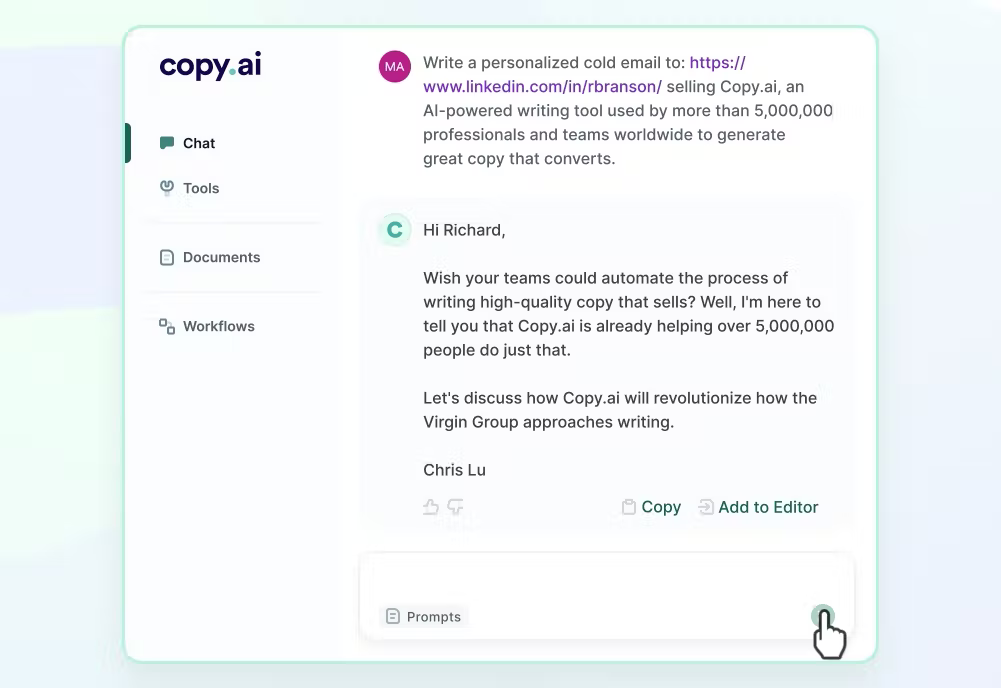
Copy.ai pivoted hard. It started life as a short-form copywriting tool and is now a Go-To-Market AI platform built around Workflows: codified, repeatable processes that connect content generation to sales and marketing systems. The pricing reflects the pivot. The cheap individual tier is gone in everything but name, and the real product is a workflow engine that costs an order of magnitude more than its writing-tool roots suggest.
What Copy.ai actually does well
Copy.ai's Workflows are the differentiator. They let a marketing or sales op codify a process (account research, outbound personalization, content repurposing) that runs on demand or via API. Multi-model access is built in: a single workflow can call OpenAI, Anthropic, and Gemini models depending on the step. For RevOps teams that want AI plumbing rather than a chat interface, the Workflow-as-API feature is genuinely differentiated and not easily replicated by a Jasper or a ChatGPT Business setup.
Copy.ai pricing in 2026
| Plan | Price | Best for | Key inclusion |
|---|---|---|---|
| Free | $0 | Light testing | 1 seat, 2,000 chat words/month |
| Starter | $49/month | Solo creators | 1 seat, unlimited chat words, workflows |
| Chat (Team) | $29/mo (5 seats) | Small teams chat-only | Unlimited words, no workflow credits |
| Agents/Growth | $249-$1,000+/mo | Scaling marketing teams | 10K-20K workflow credits, brand agents |
| Expansion | ~$2,000-$2,666/month | Mid-market RevOps | Higher seats, more workflow credits |
| Scale/Enterprise | $4,000+/month | Enterprise GTM teams | 200 seats, 75K credits, full API |
Hidden costs the pricing page does not show
Workflow credits are the hidden meter. Every workflow run consumes credits at a variable rate depending on the steps and models used, and the included credit allowance on each tier is consumed faster than most teams forecast. A team on the Agents plan with 10,000 monthly credits can blow through it in a single account-research campaign, after which credits must be topped up. Workflow credits are also non-transferable between teammates, which means light users effectively subsidize heavy ones.
The second hidden cost is the gap between the Chat plan and the Agents plan. Chat at $29/month gives unlimited chat words but zero workflow credits, so it cannot actually run the automations that are Copy.ai's core value. The next step up is $249/month, an 8.5x jump. Teams looking for "a few workflows" have no middle option. The third is integration cost: Copy.ai shines when wired to Salesforce, HubSpot, or a CRM, and that wiring is implementation work, not a checkbox.
Pros and cons
| Pros | Cons |
|---|---|
| Workflows automate full GTM processes | Workflow credit model is unpredictable |
| Multi-model access (OpenAI, Anthropic, Gemini) | Steep cliff between Chat and Agents tiers |
| Strong API and Workflow-as-API support | Long-form writing quality below Claude/ChatGPT |
| Native CRM integrations | Real value requires implementation work |
Writesonic
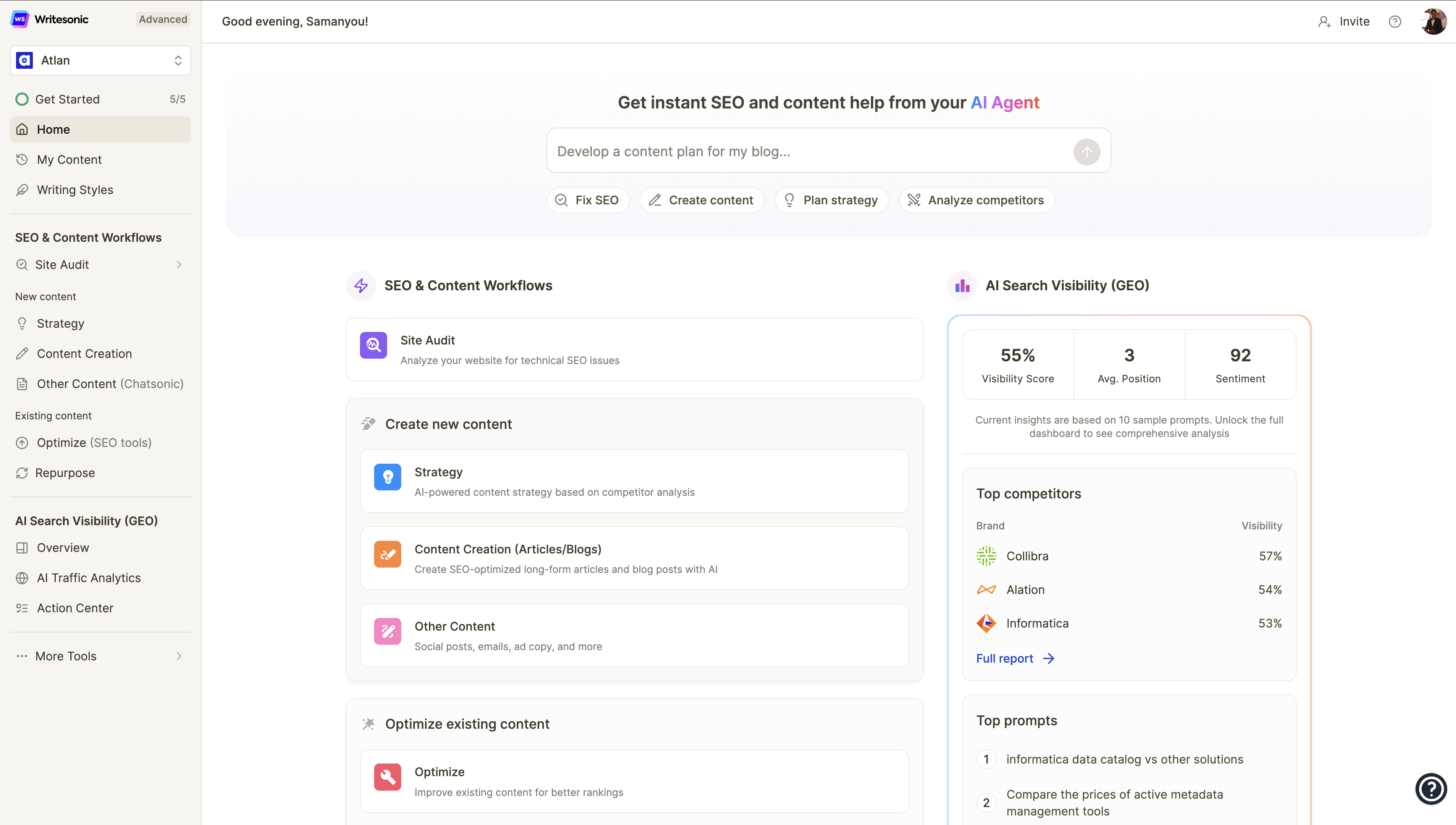
Writesonic has staked out the SEO and Generative Engine Optimization (GEO) niche. Its premise is that classic SEO is necessary but no longer sufficient because more search traffic now flows through AI answer engines (ChatGPT, Perplexity, Google AI Overviews), and content needs to be optimized to be cited by those systems. The product is a stack: AI Article Writer 6.0 for long-form, an SEO Checker, GEO tracking, plus 80-plus templates for short-form copy.
What Writesonic actually does well
Writesonic's Article Writer 6.0 produces structured long-form content with built-in SEO scoring, and the GEO tools give visibility into whether your brand is being cited in AI-generated answers. That second piece is genuinely useful and not yet table stakes elsewhere. Chatsonic adds real-time web search to draft generation, which helps with topical and time-sensitive content where the static training data of a base model would fall short.
Writesonic pricing in 2026
| Plan | Price | Best for | Key inclusion |
|---|---|---|---|
| Free Trial | $0 (limited) | Evaluation | Test all plans |
| Individual | $16-$20/month annual | Solo bloggers | Article Writer, basic SEO Checker |
| Standard | $79-$99/month | SMB content teams | GSC + Analytics integration, more credits |
| Professional | ~$199-$249/month | Mid-sized teams | GEO tracking, brand voice seats, API |
| Advanced/Enterprise | Custom (~$500+) | Agencies, enterprise | Full GEO suite, dedicated support |
Hidden costs the pricing page does not show
Writesonic's pricing tiers are word-count and credit-based, and the plan names have changed several times. Buyers who quote a number from a 2024 review are usually wrong about what they will actually pay. Output quality is also prompt-sensitive: less experienced users get noticeably weaker results and end up using more credits regenerating content, which inflates the effective cost per usable article.
Writesonic does not auto-publish to a CMS, despite advertising the WordPress integration as a workflow accelerator. Most users still copy-paste finished articles, so the "published in minutes" framing on the marketing site is generous. The GEO tracking, which is the real differentiator, sits behind the higher tiers, so teams attracted by the entry-level price often discover the feature they came for is two tiers up. Finally, Writesonic competes with Surfer SEO and Clearscope on the optimization side, and serious SEO teams typically end up paying for both rather than treating Writesonic as a Surfer replacement.
Pros and cons
| Pros | Cons |
|---|---|
| GEO tracking is genuinely differentiated | Pricing tiers and plan names change often |
| Real-time web search via Chatsonic | Output quality varies with prompt skill |
| Cheaper entry point than Jasper | Headline GEO features locked to higher tiers |
| 80+ templates for short-form needs | No true CMS auto-publishing |
Grammarly
Grammarly is the only tool in this list that does not primarily generate content. It edits, polishes, and rewrites text the user already wrote (or that another AI generated). In 2026 that distinction is now its strongest selling point: as the first-draft layer becomes commoditized by Claude and ChatGPT, the value migrates to the editing pass that takes AI output to publishable quality. Grammarly Pro is now the default editing layer for AI-generated content in most professional workflows.
What Grammarly actually does well
Grammarly works everywhere. Browser, Gmail, Google Docs, Word, Slack, LinkedIn: anywhere the user types, Grammarly catches grammar, spelling, tone drift, and unclear phrasing in real time. Grammarly Pro adds 2,000 monthly AI prompts (versus 100 on Free), full-sentence rewrites, plagiarism detection, and a tone adjuster. Pro now folds in features that were previously Business-only, including Style Guides and Brand Tones, which is the practical reason for the recent product consolidation.
Grammarly pricing in 2026
| Plan | Price | Best for | Key inclusion |
|---|---|---|---|
| Free | $0 | Casual writers | Grammar, spelling, 100 AI prompts/month |
| Pro (monthly) | $30/month | Trial users | 2,000 AI prompts, plagiarism, rewrites |
| Pro (quarterly) | $60 for 3 mo ($20/mo) | Short-term needs | Same as monthly Pro |
| Pro (annual) | $144/yr ($12/mo) | Daily writers | Same as monthly Pro, 60% cheaper |
| Pro (Teams) | $12-$15/seat/month | 2 to 149 seats | Style guide, brand tones, analytics |
| Enterprise | Custom | 150+ seats, regulated | SSO/SAML, HIPAA BAA, audit logs |
Hidden costs the pricing page does not show
Grammarly's annual price is $144 paid up front. There is no installment option at the discounted rate, so the realistic comparison is the monthly $30 for short-term users. The 60 percent gap between monthly and annual is the largest in this category, which makes monthly billing genuinely punitive.
The second hidden cost is the AI prompt cap. Free users get 100 prompts per month, which heavy users exhaust within the first week. Pro's 2,000 cap is generous for editing but tight for users who use Grammarly's generative features as a primary drafting tool. The third is the Enterprise gap. Grammarly removed the dedicated Business plan and now routes anything over 149 seats to Enterprise sales. Mid-market companies that previously sat in the $15/seat Business tier now negotiate custom pricing, which often comes back higher than the public Pro Teams rate. HIPAA, SAML, and centralized admin require Enterprise, so any healthcare or regulated team is on a custom contract whether they want one or not.
Pros and cons
| Pros | Cons |
|---|---|
| Best editor for AI-generated content | Annual is full $144 up front, no installments |
| Works in 1M+ apps and sites | 2,000 AI prompts cap is tight for power users |
| Pro now includes former Business features | No dedicated Business plan since rename |
| Strong privacy posture (SOC 2, ISO, HIPAA) | Enterprise required for HIPAA BAA and SSO |
The Editing Tax: The Cost Nobody Puts On The Pricing Page
The single largest hidden cost of any AI writing tool is human editing time. Industry benchmarks from content operations teams in 2026 are remarkably consistent: a $49/month tool that requires 2 to 3 hours of editing per article costs more in real terms than a $149/month tool that produces publication-ready output in 20 minutes. At a $50/hour blended editor rate, the cheaper tool costs $100 to $150 in editor time per article on top of the subscription. The expensive tool costs roughly $17.
The Proofed editorial team's 2026 audit of AI content workflows put the editing burden into hard numbers. Even using premium tools, teams spend an average of 30 to 45 minutes per AI-generated article on fact-checking, tone alignment, and removing repetitive phrasing. On budget tools that figure stretches to 2 to 3 hours. A 2025 METR study on AI-assisted developer productivity found a 39 to 44 percent gap between perceived and actual productivity (developers felt 20 percent faster while measured output was 19 percent slower), and content operations follow the same pattern. The point is not that AI writing tools do not save time. They do. The point is that the saving is smaller than the marketing materials suggest, and the gap shows up entirely in your editor's salary line, not on the AI tool's invoice.
Real cost per article comparison
| Tool stack | Subscription | Edit time/article | Editor cost @ $50/hr | True cost per article (10/mo) |
|---|---|---|---|---|
| ChatGPT Plus + light editing | $20/mo | 30 min | $25 | $27 |
| Claude Pro + light editing | $20/mo | 20 min | $16.67 | $18.67 |
| Jasper Pro + Surfer + Grammarly | $160/mo | 30 min | $25 | $41 |
| Copy.ai Starter (long-form) | $49/mo | 60 min | $50 | $54.90 |
| Writesonic Standard | $79/mo | 45 min | $37.50 | $45.40 |
| Grammarly Pro alone (editor only) | $12/mo | n/a (editor) | n/a | $1.20 + draft cost |
The takeaway is uncomfortable for the dedicated AI writing tool category: at solo-creator scale, a $20 Claude or ChatGPT subscription paired with Grammarly Pro produces lower true cost per article than a Jasper or Writesonic stack, because the editing time difference is too small to offset the subscription gap. The dedicated tools earn their cost back when (a) you need brand voice consistency across many writers, (b) you need workflow automation, or (c) you are running an agency with multiple client brands. Below that threshold, the math favors the base models.
How to Calculate Your True Cost
Every team that runs a clean ROI analysis on AI writing tools follows roughly the same five-step audit. It is straightforward, and it consistently surfaces over-spending in the first pass.
•Audit the last 90 days of published content, separating output by type and word count. Most teams discover they publish 30 to 50 percent less than they assumed, which collapses the per-article cost.
•Time a real editing pass with a stopwatch. Use the same brief across the tools you are evaluating during their free trials, and measure time-to-publish, not subjective impressions of output quality.
•Add the editor cost line. Multiply average edit time by the editor's blended hourly rate. This number is almost always larger than the subscription, and it is always invisible on the tool's pricing page.
•List every adjacent tool the AI tool requires you to keep paying for: SEO optimizer, plagiarism checker, grammar layer, image generator, scheduler. The full stack is almost never one tool.
•Calculate annual cost including reasonable seat growth and credit overages. A 5-person team on per-seat pricing pays five times the headline number, and 20 percent annual headcount growth is a useful default planning assumption.
Once those numbers are on a single page, the choice between tools usually becomes obvious. The teams that overspend on AI writing tools almost always do so because they evaluated against the sticker price rather than against this five-line calculation.
Hidden Cost Categories: At a Glance
The table below summarizes which hidden cost categories matter most for each tool. It is not a leaderboard. The right tool depends on which costs your team can actually absorb and which would derail your budget.
| Tool | Editing tax | Stack creep | Per-seat sprawl | Token/credit risk | Lock-in |
|---|---|---|---|---|---|
| ChatGPT | Low | Low | Medium | High (API separate) | Medium |
| Claude | Low | Low | Low | High (200K rule) | Low |
| Jasper | Medium | High (Surfer + Grammarly) | High | Low | High (brand voices) |
| Copy.ai | Medium | Medium | Medium | High (workflow credits) | High (workflows) |
| Writesonic | Medium-High | Medium | Medium | Medium (credit-based) | Medium |
| Grammarly | n/a (editor) | Low | Medium | Low (prompt cap) | Low |
Conclusion: What Pricing Pages Should Tell You But Do Not
If you are a solo creator or a small team writing fewer than 30 pieces a month, the math overwhelmingly favors a $20 Claude Pro or ChatGPT Plus subscription paired with Grammarly Pro at $12. You will produce equal or better output for under $35 a month, and you will not be locked into a workflow you have to migrate later. For those seeking a middle ground between general-purpose AI and specialized content tools, platforms like WriteNexa offer structured workflows without the enterprise overhead, though the same editing-time calculus applies.
If you are a marketing team of three or more juggling multiple brands, Jasper Pro or Business earns its keep, but only if you budget the Surfer SEO and Grammarly add-ons honestly. If you are running a RevOps function that needs codified, multi-step automation across CRM and content, Copy.ai's workflow tier is the only product here that does the job natively, and you should evaluate it against the credit consumption your specific workflows will actually generate, not the headline credit count.
The single piece of advice that beats every tool comparison is this: time a real editing pass before you sign an annual contract. Output quality and brand fit matter, but the variable that decides whether an AI writing tool saves money or costs money is the minutes your team spends fixing what it produces. That number is on no pricing page. It is the only number that matters.